ImagePRO-II • User’s Guide 37
4. Menu Orientation
Configuring Inputs
Figure 4-4. Sizing Adjust Submenu (sample)
The Size and Pos functions allow you to size the image, and then position it within the
selected aspect ratio.
• Select H Size to “stretch” the image across the active area on the horizontal
plane. H Size is center-based. It adjusts both the left and right edges
simultaneously, while the center point of the image remains stable. Values are in
pixels. The default value is the input horizontal active pixels. When you resize
horizontally, the output “window” is maintained in both size and aspect ratio.
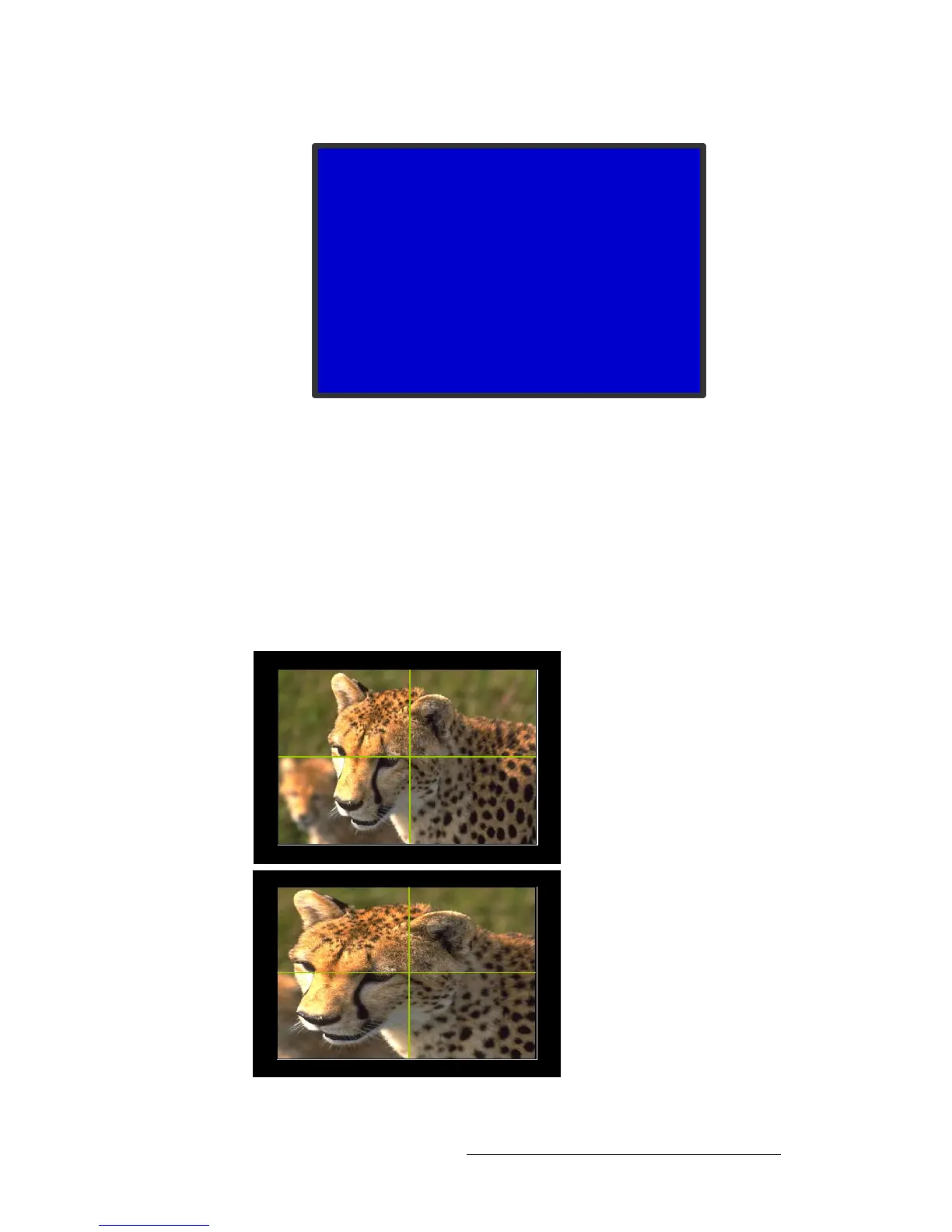
The following images show a result of horizontal sizing only. In these images, the
intersection of the green lines represents the center of the active area. As the
image “stretches” horizontally, the center remains exactly the same.
Figure 4-5. Horizontal Resizing
SIZING ADJUST
> H Size 1024
V Size 768
H Pos 0
V Pos 0
Reset Size
Mask Top 0.00%
Mask Bottom 0.00%
Mask Left 0.00%
Mask Right 0.00%
Mask Presets >>
Reset Mask
Original image size
Image resized horizontally



 To Next Page