ImagePRO-II • User’s Guide 41
4. Menu Orientation
Configuring Inputs
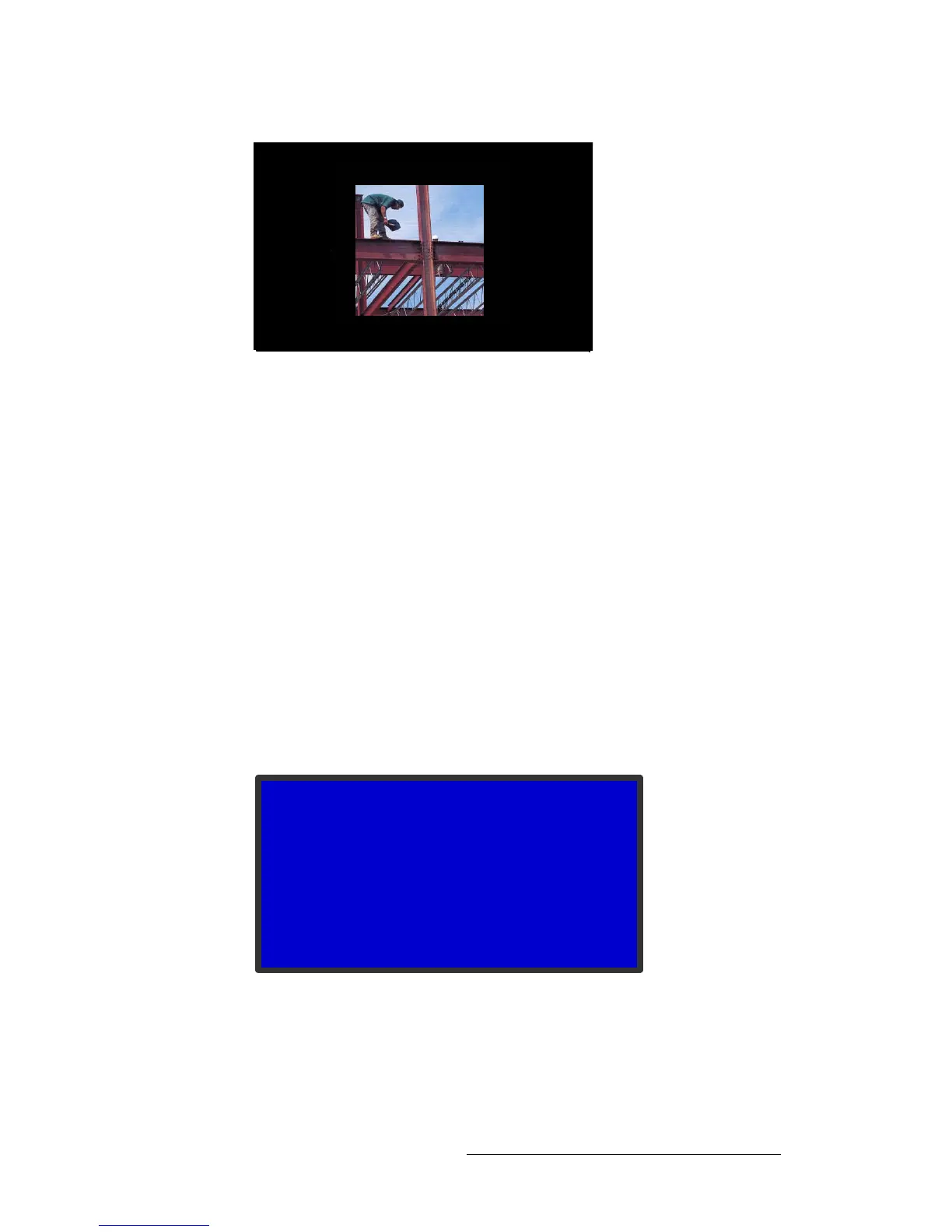
Figure 4-10. Result of Applying a 1:1 Mask to a 5:4 Masked Image
oÉëÉííáåÖ=j~ëâáåÖ=bÑÑÉÅíë
To restore the original image after masking it, use the following procedure:
1. Select the input that displays the masked image, if it is not already displayed.
2. On the Input Menu, select Sizing Adjust.
3. Scroll to Reset Mask and press SEL.
All masks are removed, including mask presets.
^ÇàìëíáåÖ=qáãáåÖ=m~ê~ãÉíÉêë
The ImagePRO-II supports adjusting the positioning of the input signal’s active area. There
are two timing adjustment menus: 1:1 Timing Adjust and Edge Timing Adjust.
The 1:1 Timing Adjust Submenu displays the timing information of the input signal,
shown in the following illustration. Timing parameters are adjustable only when:
• 1:1 Sample is On and
• The input signal is analog YP
b
P
r
or analog RGB
Figure 4-11. 1:1 Timing Adjust Submenu (sample)
The options are:
• Sample Phase — Initially, the value is set to the default value of 0.
The range is -16 to +15.
1:1 TIMING ADJUST
> Sample Phase n/a
H Total 1698
H Position 370
H Active 1280
V Total 1056
V Position 31
V Active 1024



 To Next Page