52 ImagePRO-II • User’s Guide
4. Menu Orientation
Configuring Outputs
4. If the ImagePRO-II reads the EDID information without error, the Name field
displays the name by which this output is identified.
• The Pref field displays the preferred output format of the device on the connector.
This is the format the ImagePRO-II uses for this device.
pÉííáåÖ=íÜÉ=^êÉ~=çÑ=fåíÉêÉëí
The Area of Interest (AOI) is the portion of the output display that your video occupies.
The ImagePRO-II’s AOI feature lets you adjust the image to a particular portion of the
display, while preserving the video timing and the image quality.
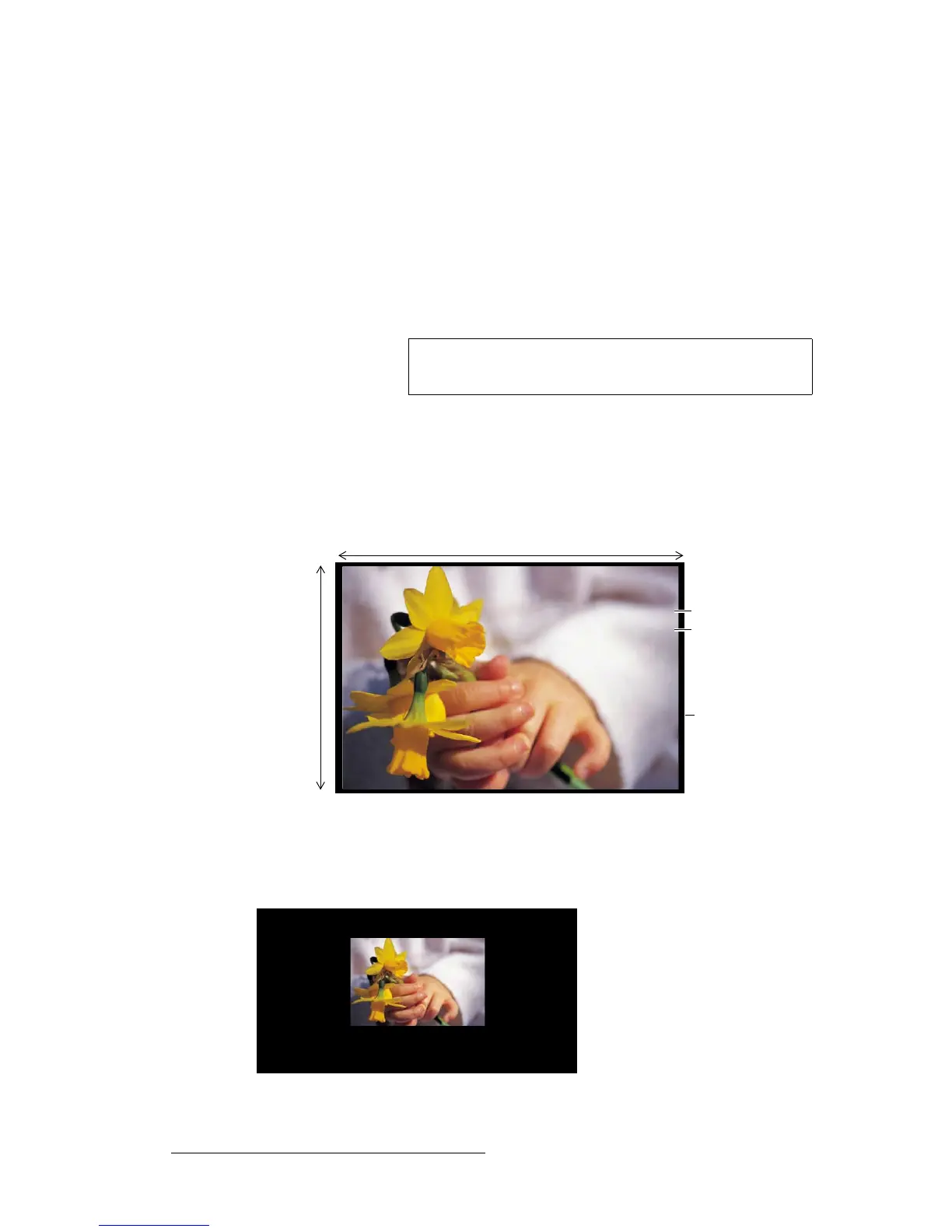
The Area of Interest is a rectangle relative to the output timing. The default AOI exactly
overlaps the output active area. For example:
If the output format is:
1920x1080i @ 60 Hz
the default AOI is 1920 pixels x 1080 lines.
Figure 4-24. Default Area of Interest
The Area of Interest settings adjust the position of the image on your display device without
affecting the output timing. In the following illustration, the active area has been adjusted
from 1920x1080 to 850x1080.
Figure 4-25. Adjusted Area of Interest
Note
If you use multiple output display devices, the Area of Interest
you set applies to all of them.
1920 pixels
Area of Interest
Tota l A r e a
Active Area
1080 lines



 To Next Page