60 ImagePRO-II • User’s Guide
4. Menu Orientation
Configuring Outputs
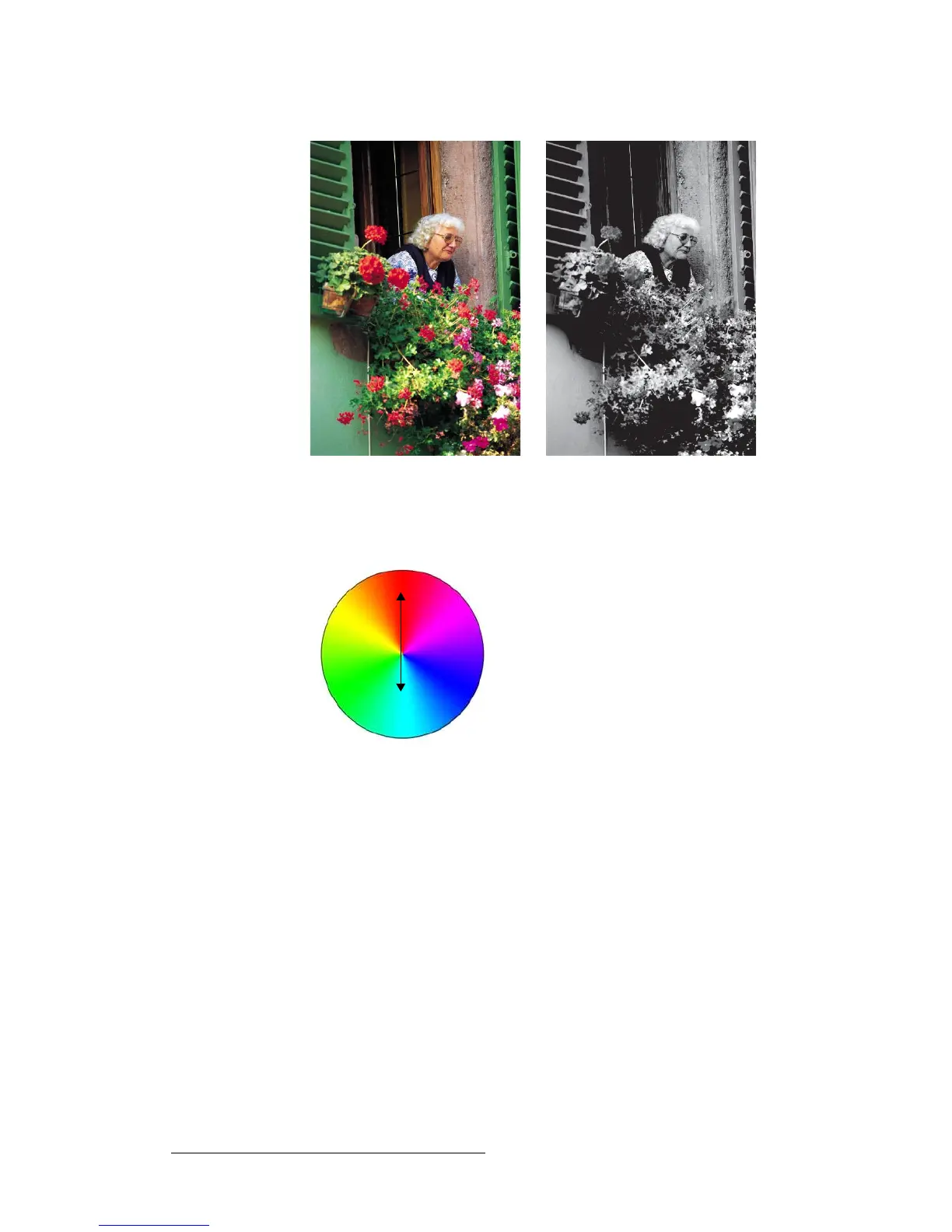
Figure 4-37. Full-Color Image and Monochrome Effect
• Invert — This option inverts the output image’s color hues by 180 degrees. For
example, on the color wheel, red and cyan hues are 180 degrees apart.
Figure 4-38. Red and Cyan Relationship on the Color Wheel
When you select Invert, the red and cyan hues are reversed, as shown in the
following illustration.



 To Next Page