14
Instructions For Use
3.4 Remote Control
Refer to the remote control instructions for use.
3.5 Sherlock 3CG™ TCS Audio Information
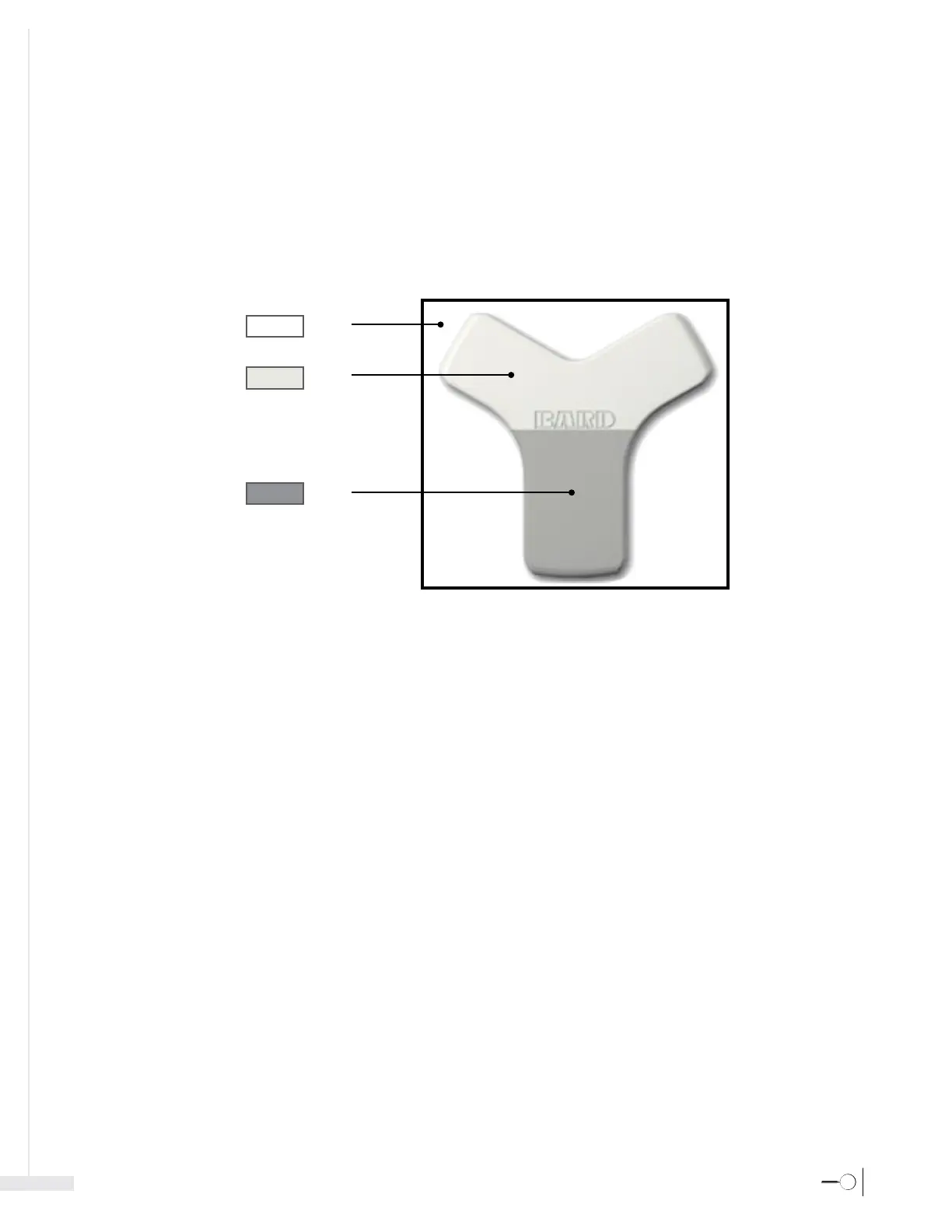
When the audio is on, there are three possible tones:
- Tone 1: stylet tip detected and the tip is not under the sensor.
- Tone 2: stylet tip is under the sensor and at or above the Bard logo.
- Tone 3: stylet tip is under the sensor and below the Bard logo.
1
2
3
Note: Audio signals are only applicable to the magnetic navigation capability of the device.








 To Next Page