29
Sherlock 3CG™ Tip Confirmation System
9 Sherlock 3CG™ TCS Printer Installation
9.1 Brother™ Printer
1. Connect the USB cable to an available USB port on the Sherlock 3CG™ TCS Display.
2. Turn on the display and the Brother™ Printer.
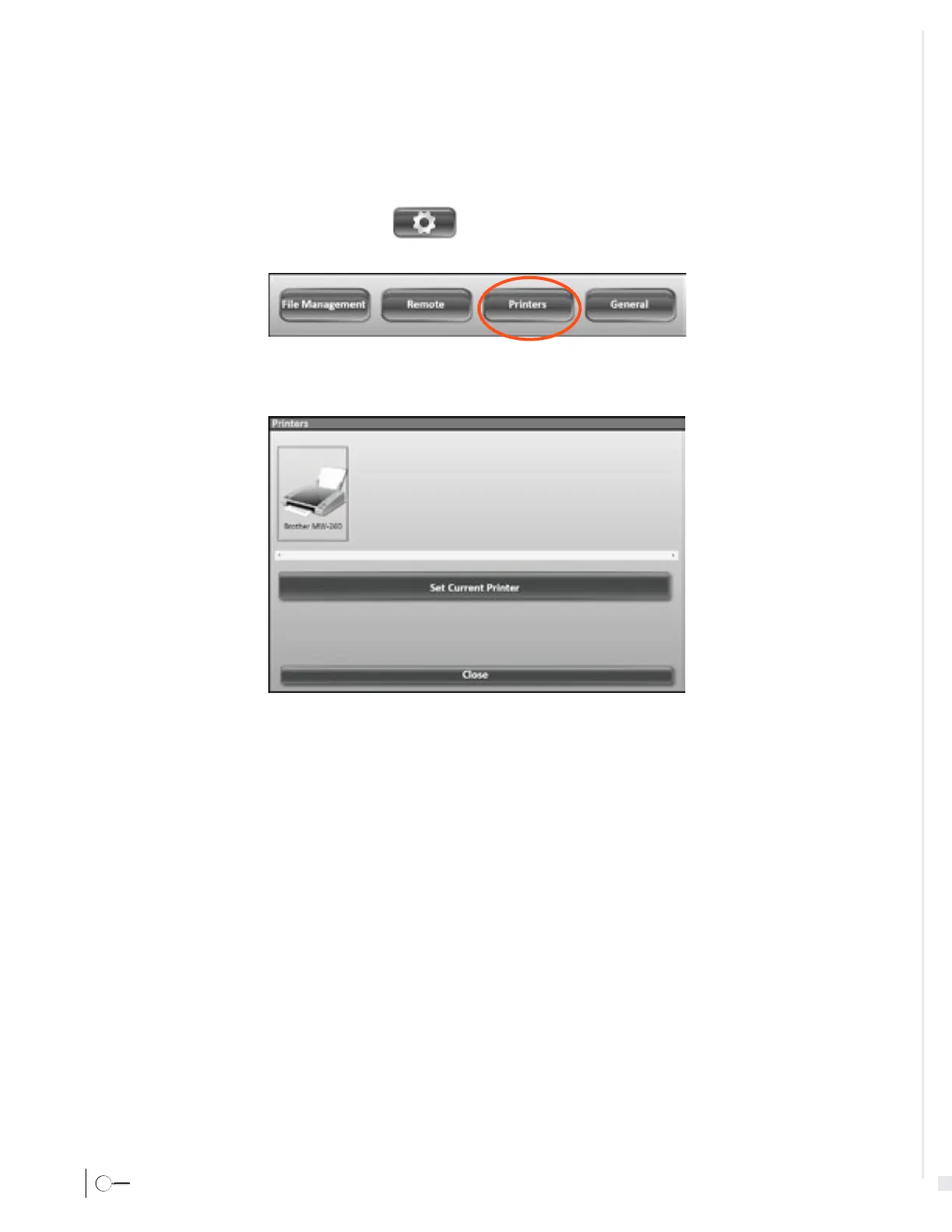
3. Select the Settings icon from the Application Toolbar.
4. Select the Printer button in the menu that appears
5. Select the Brother
™ Printer icon.
6. Select the "Set a Current Printer" button.








 To Next Page