22
Instructions For Use
6 Trouble Shooting and Error Messages
6.1 Error Screens
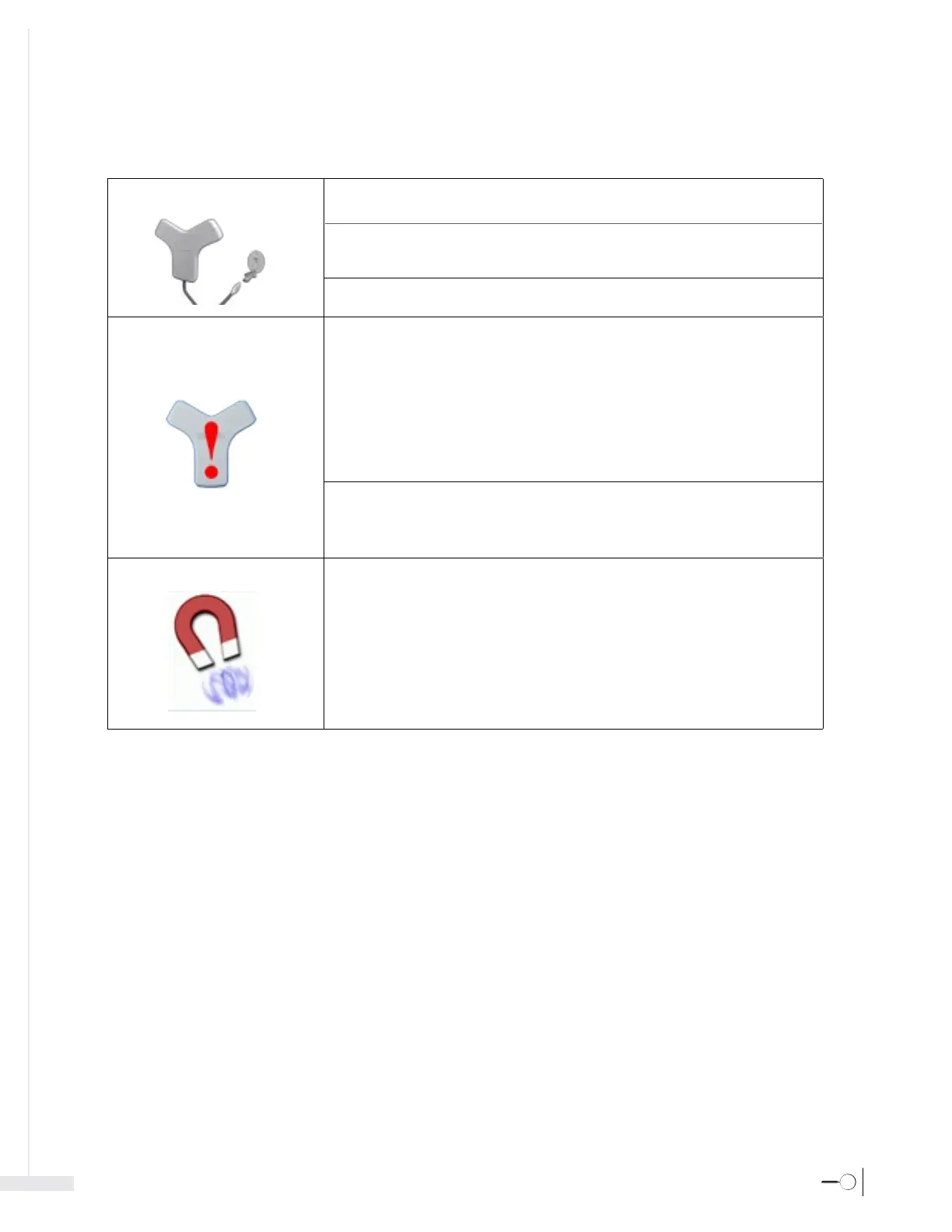
Sensor Disconnected
Sensor Error
Magnet Error
Cause:
Solution:
Cause:
Solution:
Cause:
Solution:
Cause:
Solution:
Cause:
Solution:
Cause:
Solution:
Sensor not connected to the display.
Ensure the sensor is properly connected. Disconnect and reconnect the sensor.
The display power supply is connected to a noisy electrical outlet.
Disconnect the display power supply from the electrical outlet to run the system
on battery power.
Sensor cannot be detected by the display.
Call the technical support hotline (800) 443-3385.
Interference caused by magnetic field changes or by sensor movement.
1. Move all metal objects at least 12 inches (30 cm) away from the sensor.
2. Lower bed rails.
3. Move all active electronic devices at least 5 feet (1.5 m) away.
4. Do not move the sensor and ask the patient to remain still.
5. Calibrate.
6. If the error continues, discontinue use and call the technical support
hotline (800) 443-3385.
Sensor malfunction.
1. Turn off and restart the system.
2. If the error continues, discontinue use and call the technical support
hotline (800) 443-3385.
Interference caused by magnetic field changes or by sensor movement.
1. Move all metal objects at least 12 inches (30 cm) away from the sensor.
2. Lower bed rails.
3. Move all active electronic devices at least 5 feet (1.5m) away.
4. Do not move the sensor and ask the patient to remain still.
5. Ensure catheter tip is at least 12 inches (30 cm) away from the sensor.
6. Calibrate.
7. If the error continues, discontinue use and call the technical support
hotline (800) 443-3385.








 To Next Page