Tour menu
66
MAK 3003 Measuring system TIGER / LYNX Operating Instructions, Software version 2.35, BA 190130 (11.07.2022)
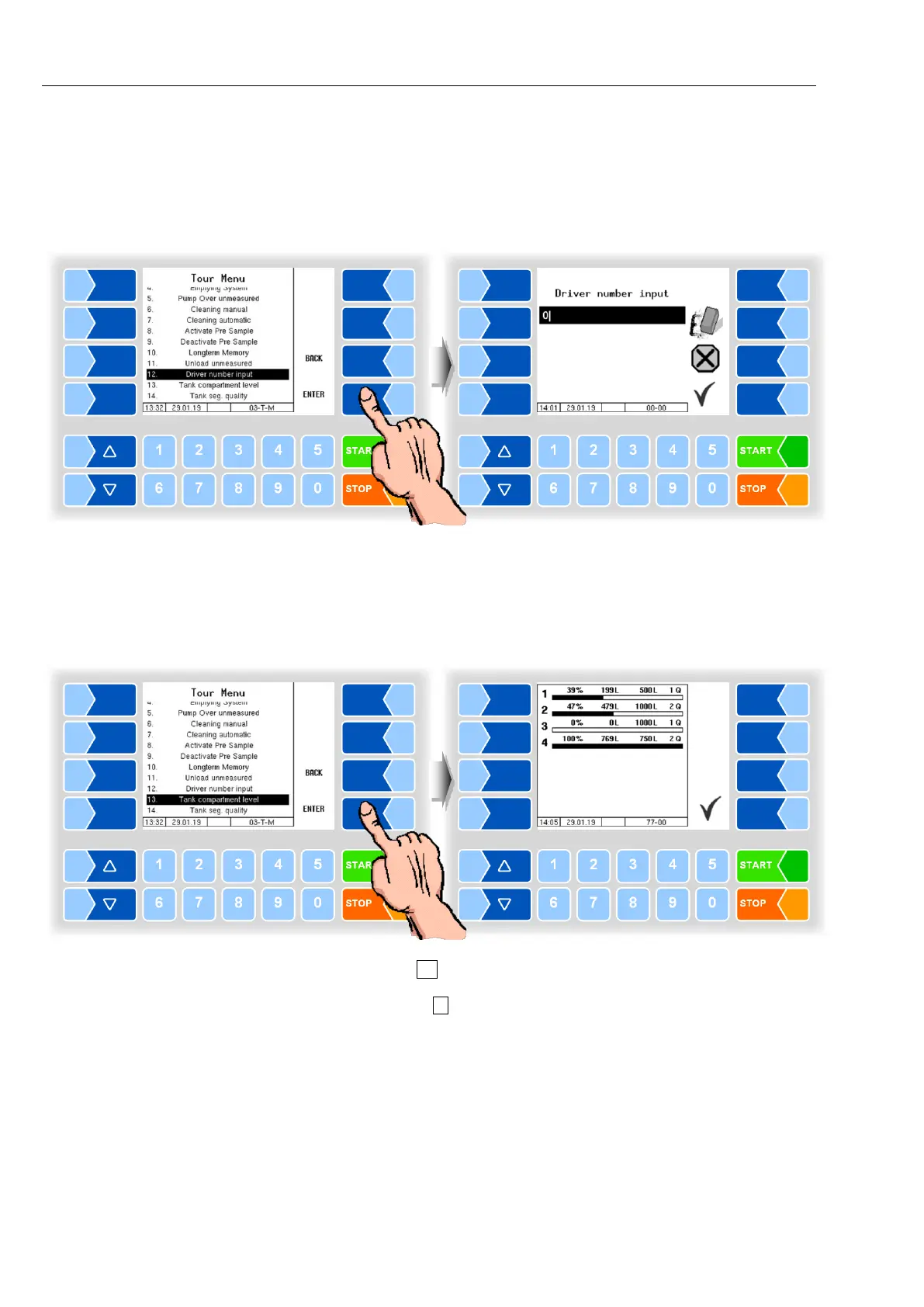
12.12 Driver number input
If there is a change in driver during the tour, the new driver number must be
entered.
The change in driver is logged in the database.
12.13 Tank segment levels
You can check the fill level of the tank segments outside the intake.
Touch the soft key to exit the segment status display.
With the numeric key 5 you can call up the display of the tank segment levels
directly (see section 13.2).



 To Next Page