PARAMETER RANGE
OF
VALUES
DEFAULT
VALUE
FUNCTION
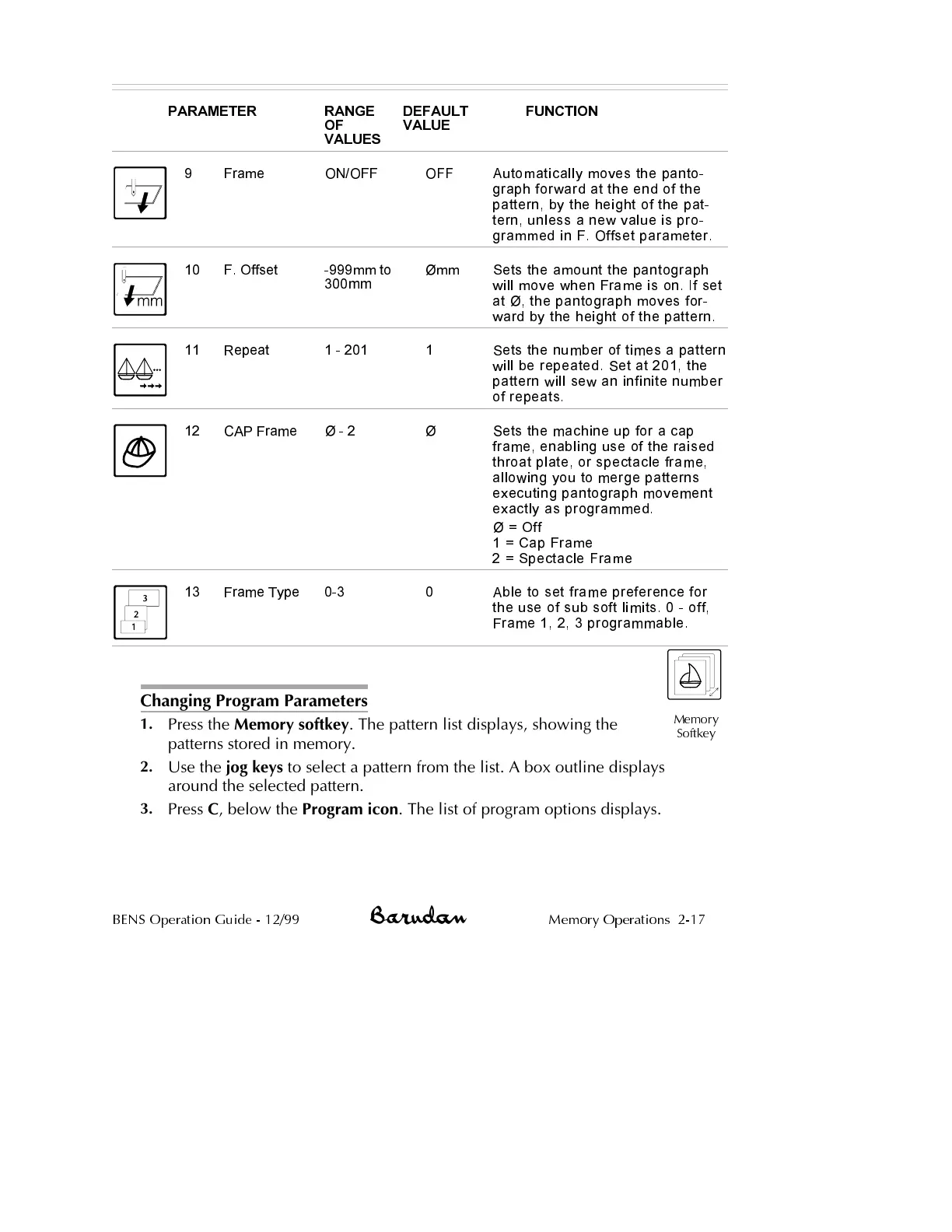
Frame9 ON/OFF OFF Automatically moves the panto
-
graph forward at the end of the
pattern, by the height of the pat
-
tern, unless a new value is pro
-
grammed in F. Offset parameter.
10 F. Offset -999mm to
300mm
Ømm Sets the amount the pantograph
will move when Frame is on. If set
at Ø, the pantograph moves for
-
ward by the height of the pattern.
11 Repeat 1 - 201 1 Sets the number of times a pattern
will be repeated. Set at 201, the
pattern will sew an infinite number
of repeats.
12 CAP Frame Ø - 2 Ø Sets the machine up for a cap
frame, enabling use of the raised
throat plate, or spectacle frame,
allowing you to merge patterns
executing pantograph movement
exactly as programmed.
Ø = Off
1 = Cap Frame
2 = Spectacle Frame
13 Frame Type 0-3 0 Able to set frame preference for
the use of sub soft limits. 0 - off,
Frame 1, 2, 3 programmable.
Changing Program Parameters
1.
Press the Memory softkey. The pattern list displays, showing the
patterns stored in memory.
2.
Use the jog keys to select a pattern from the list. A box outline displays
around the selected pattern.
3.
Press C, below the Program icon. The list of program options displays.
BENS Operation Guide - 12/99 Memory Operations 2-17
Memory
Softkey



 To Next Page