9424200996 50-7
BE1-11m Security
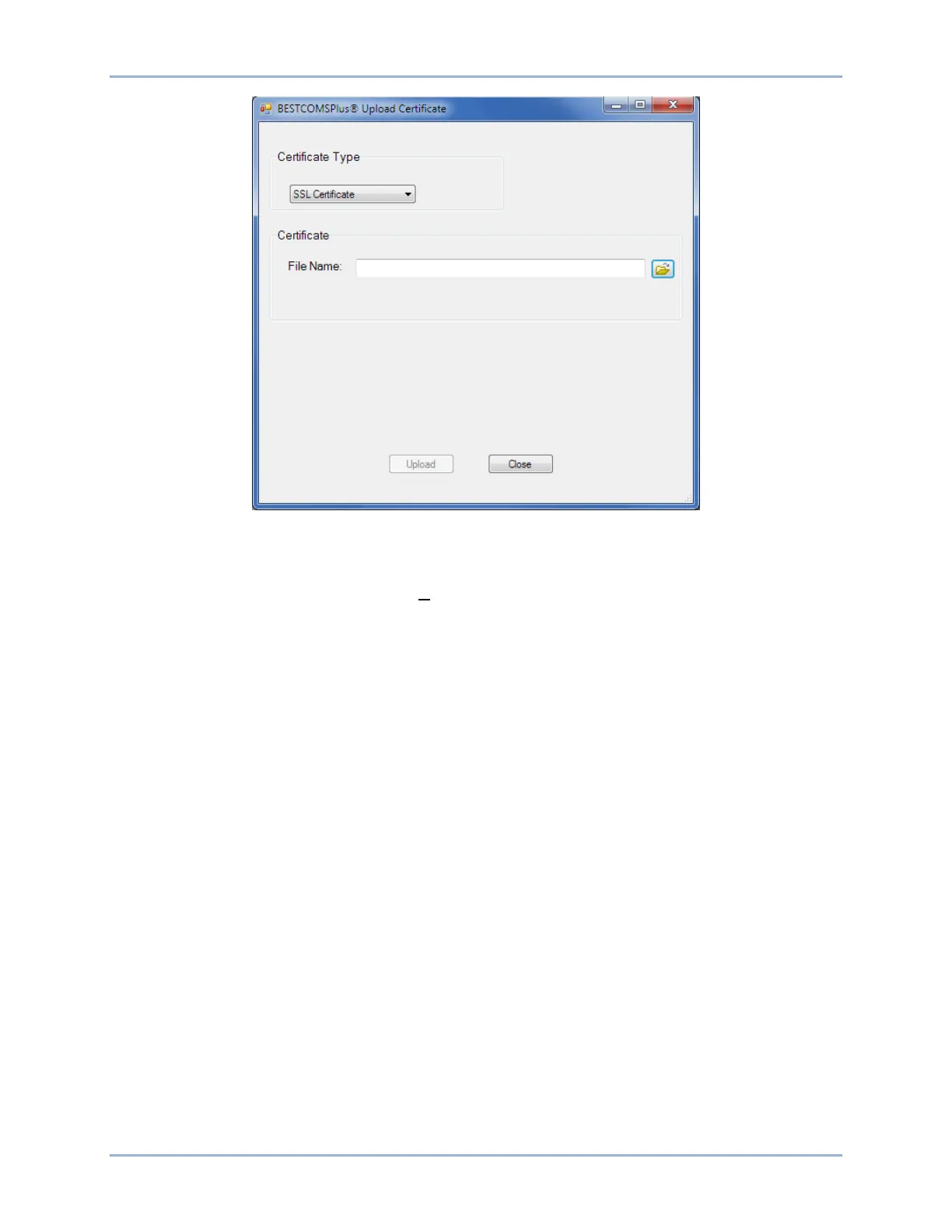
Figure 50-7. Upload Certificate Screen
Remove a Certificate from the Device
To remove a security certificate, click on the Communication drop-down menu in BESTCOMSPlus and
select Certificate > Remove Certificate from Device.
Authenticate a Certificate
Two methods for authenticating certificates are available. In the first method, a built-in Windows
®
mechanism verifies that the certificate chain is signed by a trusted root certificate authority. If you upload
a certificate chain to the BE1-11m with a root trusted by Windows, it will automatically authenticate and
connect. If it is not trusted, there is a second option to manually accept the certificate. All information
about the certificate is displayed. The certificate can be accepted once (temporarily) or permanently. See
Figure 50-8. If the certificate changes in any way, the prompt to manually accept the certificate is shown
again.



 To Next Page