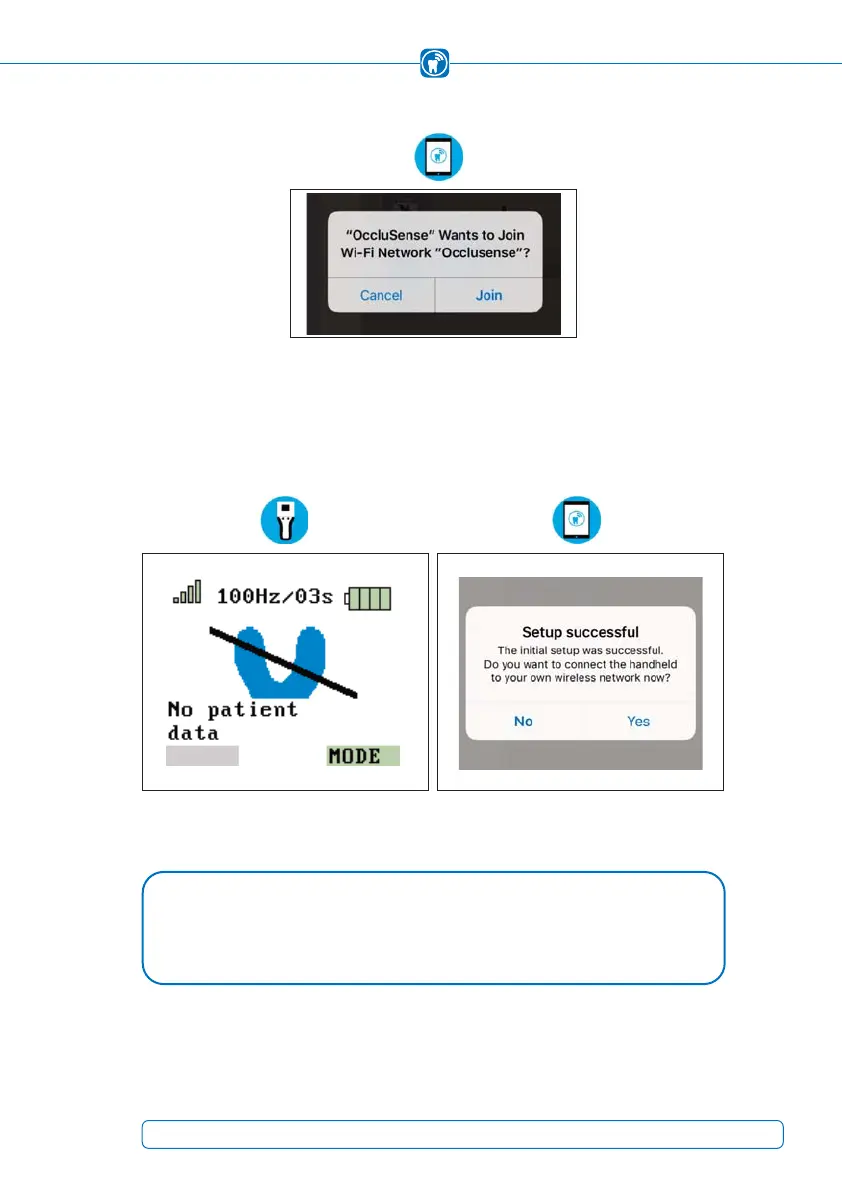
Allow access to the WLAN "Occlusense" by tapping on "Join".
Figure 12: Connection to the integrated WLAN of the OccluSense
®
handheld
When the handheld has been successfully connected, the display shows Figure 13. This
symbolizes "successful connection with the OccluSense
®
iPad app", "no sensor inserted"
and "no patient data available".
Figure 13: Handheld is connected Figure 14: Successful setup
NOTE
If the horseshoe shaped symbol appears in yellow, a function test is required •
(Chapter 12).
27



 To Next Page