14.1.3 Switch on the handheld
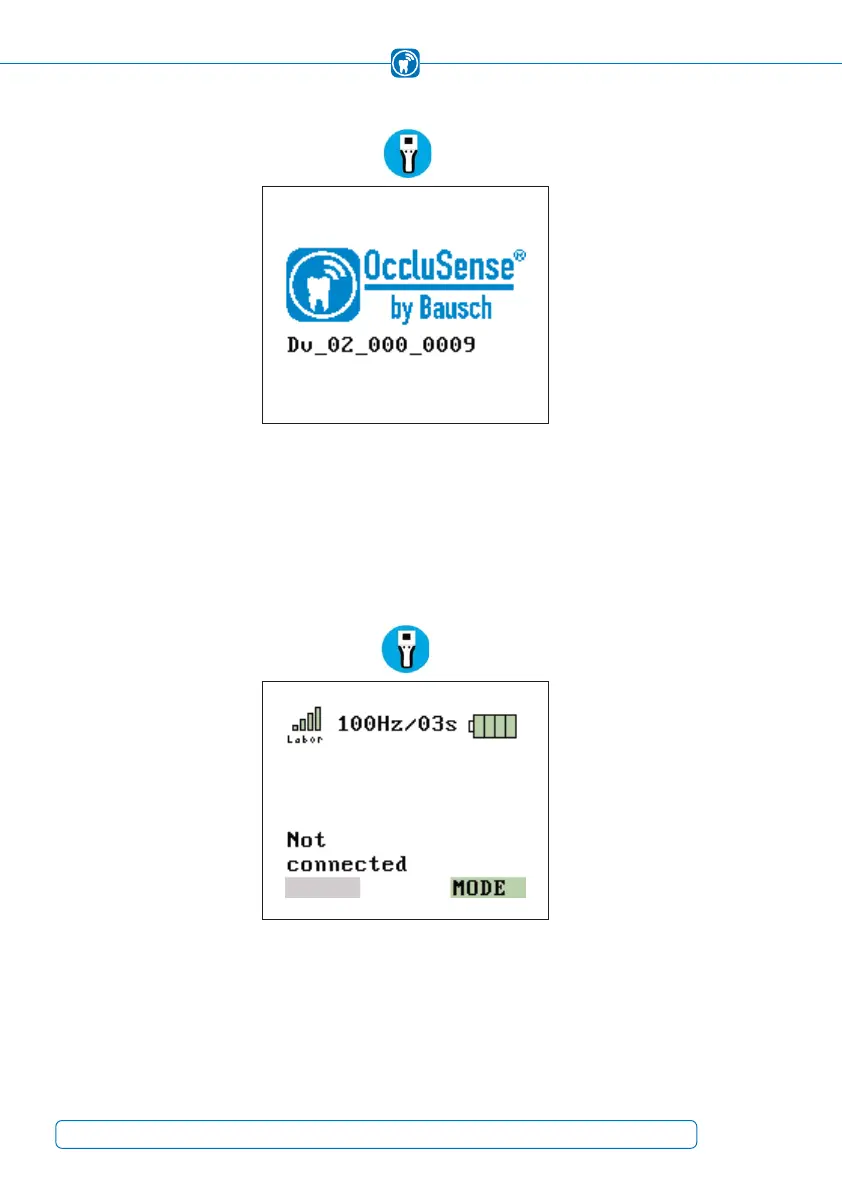
Figure 27: Display after switching on the handheld
To switch on the handheld, briefly press operating button 1 (pink). During initialization,
the device displays the product logo including the version number of the firmware.
(Figure 27).
14.1.4 Check WLAN connection
Figure 28: successful WLAN connection
When the handheld is switched on, it automatically connects to the last configured WLAN
network. The connection is indicated by the colored bar diagram in the top left of the
display. If no network has been configured before, see chapter 10.3. The connection is
to be checked after switching the handheld (Figure 28).
42



 To Next Page