15.4 Filtering
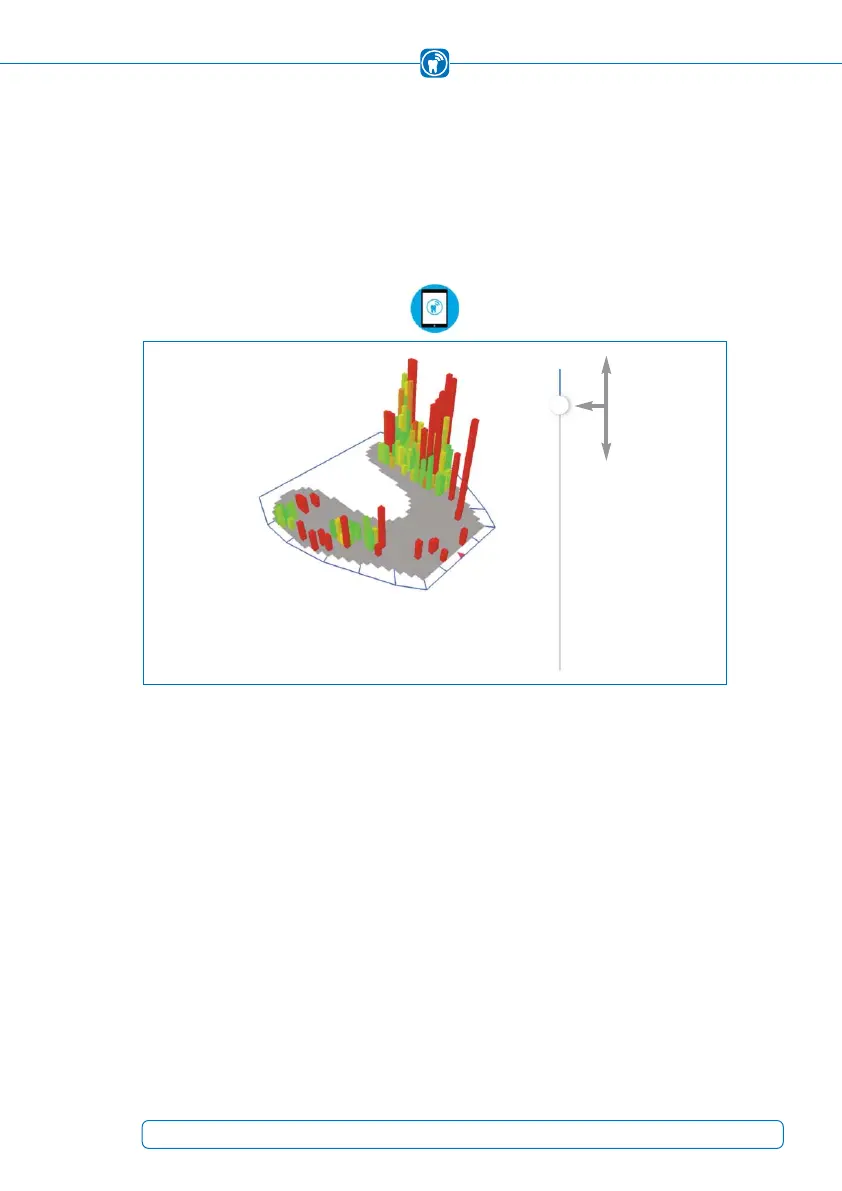
At the right edge of the screen you can find a vertical line with a white point. With this
control you are able to filter out values which are lower than a specified threshold. The
threshold can be adjusted by moving the white point along the line. The upper end of
the line represents the threshold “0” and the bottom end represents the maximum thres-
hold of “255”, which is equal to the maximum height of a bar. Between those values the
threshold is variable
(Figure 44).
Figure 44:
Slider to adjust the threshold
57



 To Next Page