14.2.1 Patient data
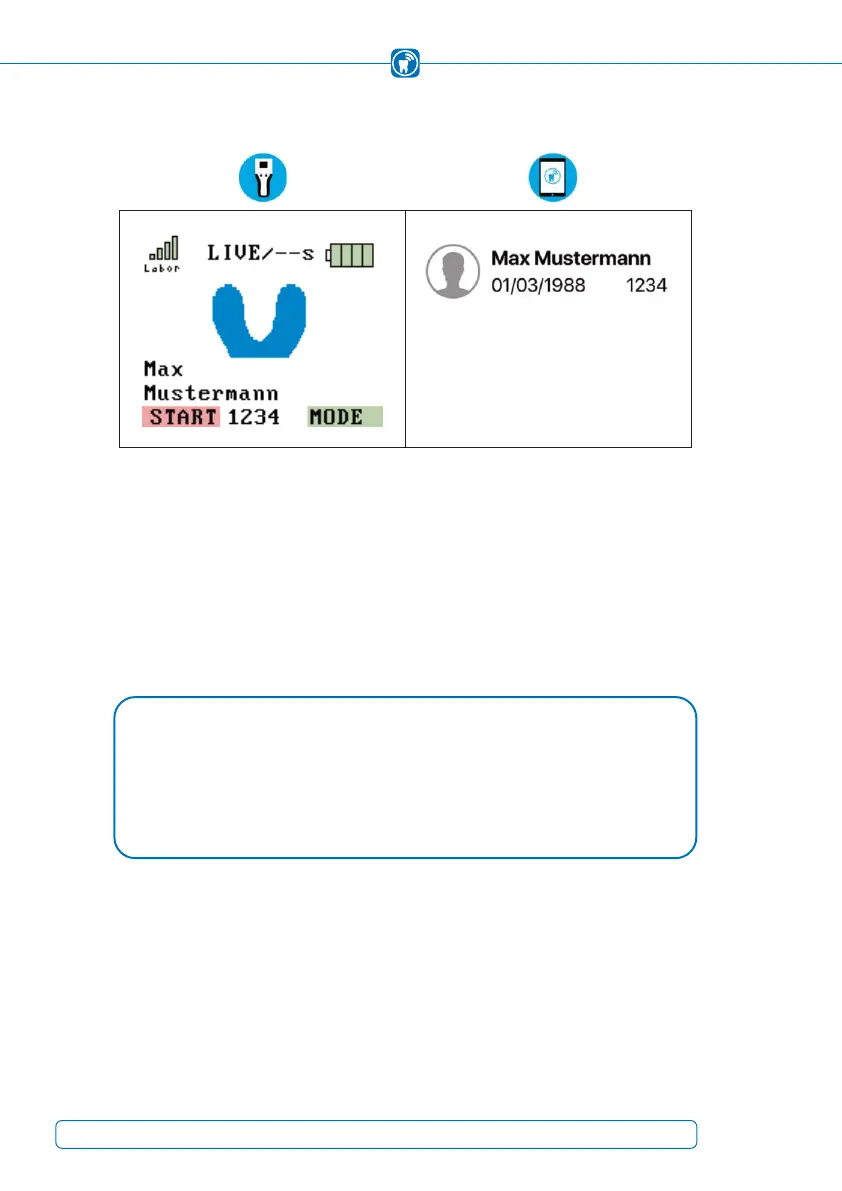
Figure 32: Patient set active (handheld) Figure 33: Patient set active (iPad)
Create a new patient (chapter 13.2) and/or activate a patient (chapter 14.2). The patient's
name is transferred to the handheld
(Figure 32). Check if the patient’s data is correct.
The currently active patient is always displayed in the upper left corner of the iPad
screen (Figure 33). If no name is displayed, no patient is activated.
The occlusion test can now be performed.
NOTE
The patient data is used to assign a recording to a patient and is stored together •
with the recorded data. Only after activating a patient, the handheld is ready to
start a recording.
44



 To Next Page