14.3.1 Recording and Live-Mode
To start a recording, a handheld with an inserted sensor has to be connected to the app
(Chapter 14.1.2) and a patient has to be activated (Chapter 13). The currently active pa-
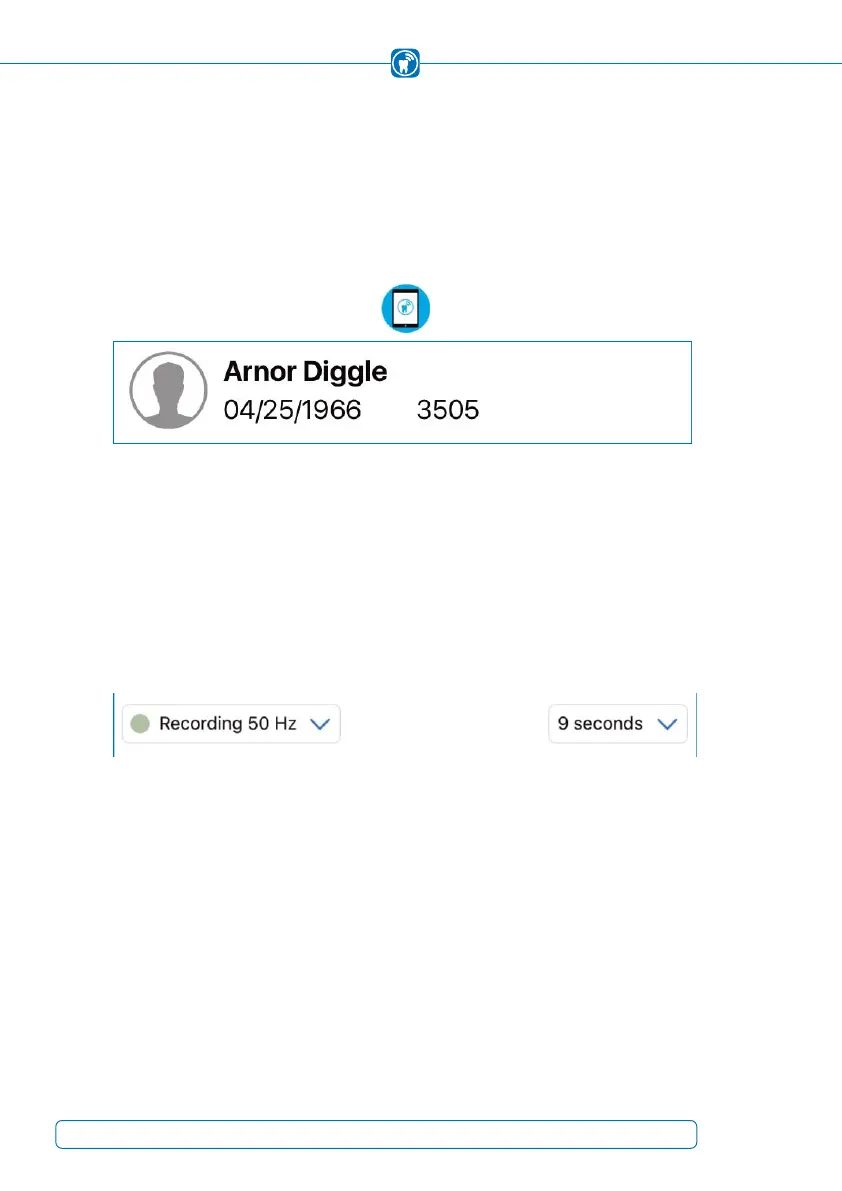
tient is always shown at the top left of the screen (Figure 34). By tapping on the top left
patient information, the app will switch to the patient management screen, described in
chapter 13.
Figure 34: Active patient, including the full name, the birthdate, a gender icon and the
patient ID
To be able to start a recording, the handheld has to receive information about the ope-
ration mode and the duration of the recording (Figure 35). These values can be set in
the recording view and are transmitted automatically to the handheld. Default values
for the recording are set in the settings and are applied when a new patient is selected
and activated or when the “New recording” button in the patient management is pres-
sed.
Figure 35: Recording settings in the recording view
46



 To Next Page