10.3.3 Pairing the handheld with the OccluSense
®
-iPad-App
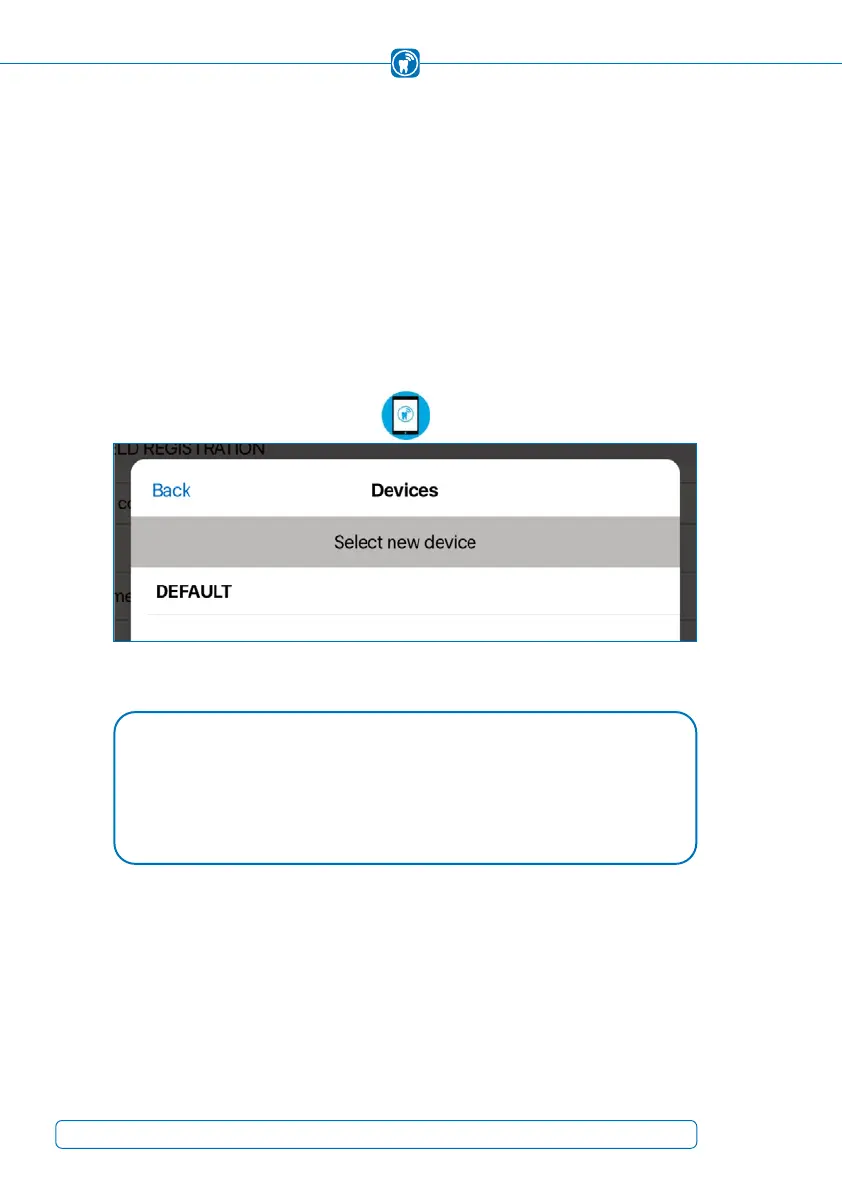
The app shows unpaired handhelds in the "Devices" list (OccluSense
®
-iPad-App -> Set-
tings -> Handheld Registration -> Switch device)
(Figure 18).
To pair, select the handheld from the "Devices" list
(Figure 19)
(default name is "DEFAULT").
Once the pairing has been completed successfully, the OccluSense
®
-iPad-App will
from now on connect automatically to this handheld.
Figure 19: List of available devices after "switch device" button has been selected.
NOTE
Only previously disconnected handheld devices can be reconnected (Chapter •
10.3.2).
If your device is not shown in the list of available devices, please close the list, •
press “Find device” on the previous screen, and try again.
32



 To Next Page