EVALUATION OF RECORDINGS
15 Viewing recordings
15.1 Overview
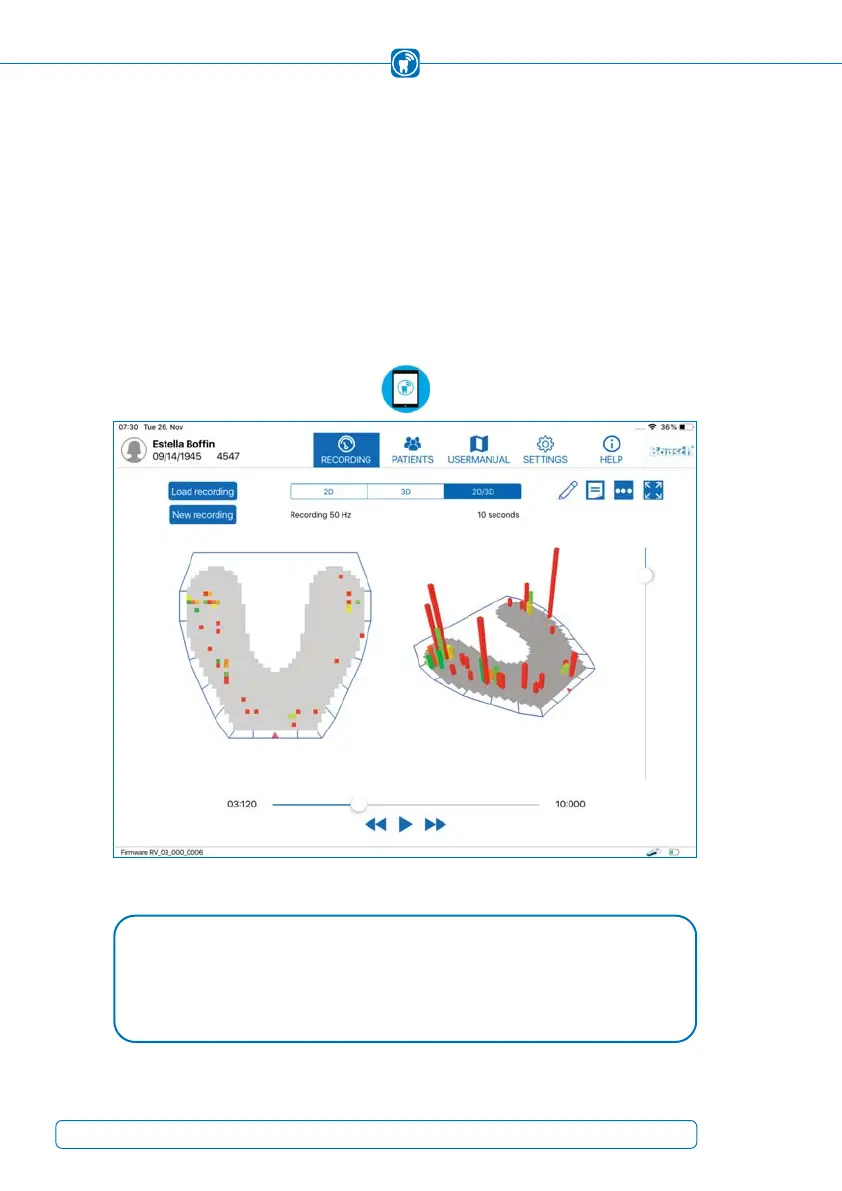
In the section “Recording“, you can start a recording or the live mode (Figure 38). A gra-
phical representation of the data is arranged in the center of the screen. The recorded
or live data can either be displayed two-dimensionally, three-dimensionally or in a com-
bined view. The following chapters describe, how it is possible to record data using this
menu item and which features are available for data analysis and processing.
Figure 38: Recording view of the app
NOTE
The color distribution and bar height of the images are always individually de-•
pendent on the patient's teeth shape and occlusal behavior. Therefore, recor-
dings are not comparable with the recordings of other patients.
52



 To Next Page