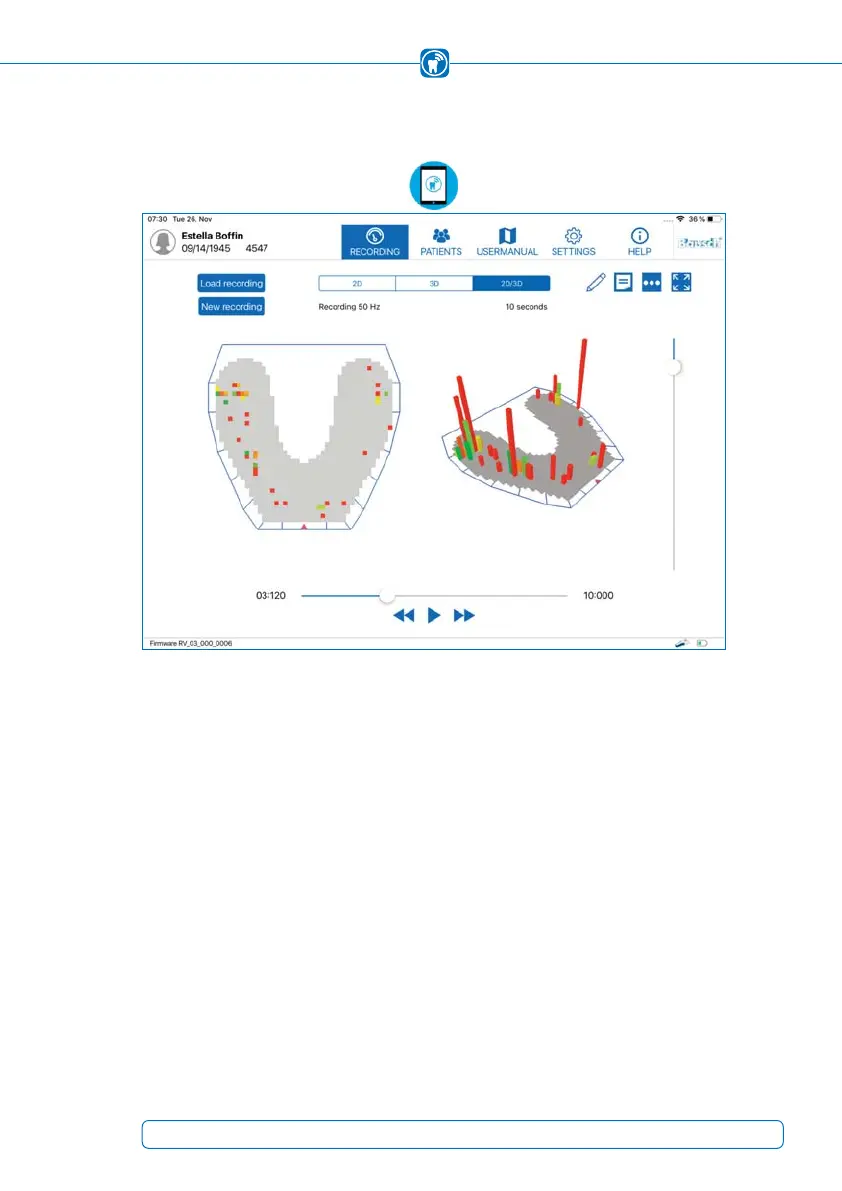
2D/3D View
The third option is to combine the previous two views, called “2D/3D” (Figure 41) in
order to view both on one screen.
Figure 41:
Combined 2D/3D view
15.2 Resizing, turning and tilting the view
The three dimensional view can be resized by a pinch gesture with two fingers. The view
can also be rotated by swiping horizontally across the diagram and tilted by swiping
vertically across the diagram.
The position and direction of the two dimensional view can not be changed.
55



 To Next Page