14.4.2 Recording
• Start the recording on the handheld by pressing button 1 (pink).
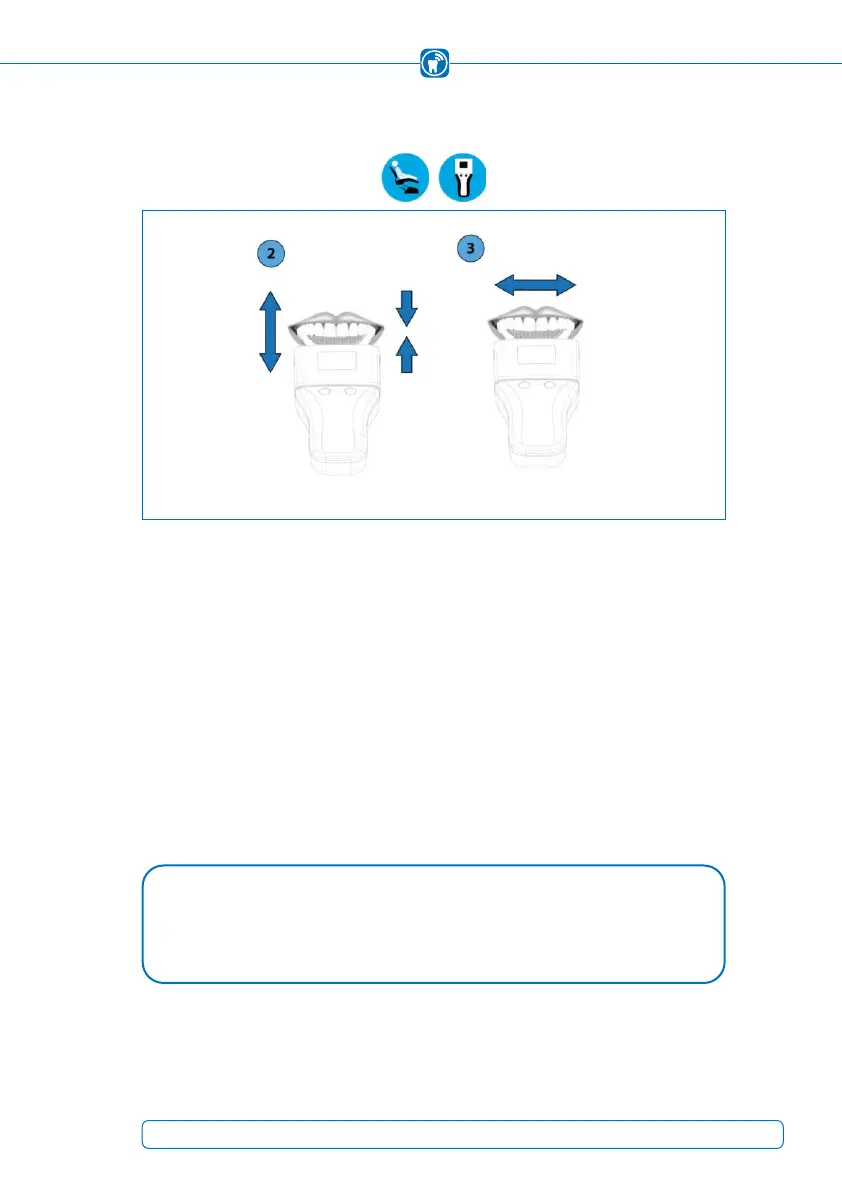
• The patient opens and closes the mouth according to the instructions of the practi-
tioner. In recording mode, the recording does not begin until a minimum force is ex-
ceeded or by pressing button 1 (pink). The handheld indicates the start and end
of the recording through an acoustic signal.
• Stopping the recording depends on the selected mode:
Live mode: In live mode, the start/end is not being indicated by an acoustic signal.
The recording is ended by pressing button 1 (pink).
• Recording Mode / Combined Mode: The recording ends automatically after the
specified recording time has elapsed.
NOTE
Static and dynamic occlusion recordings are possible. •
49



 To Next Page