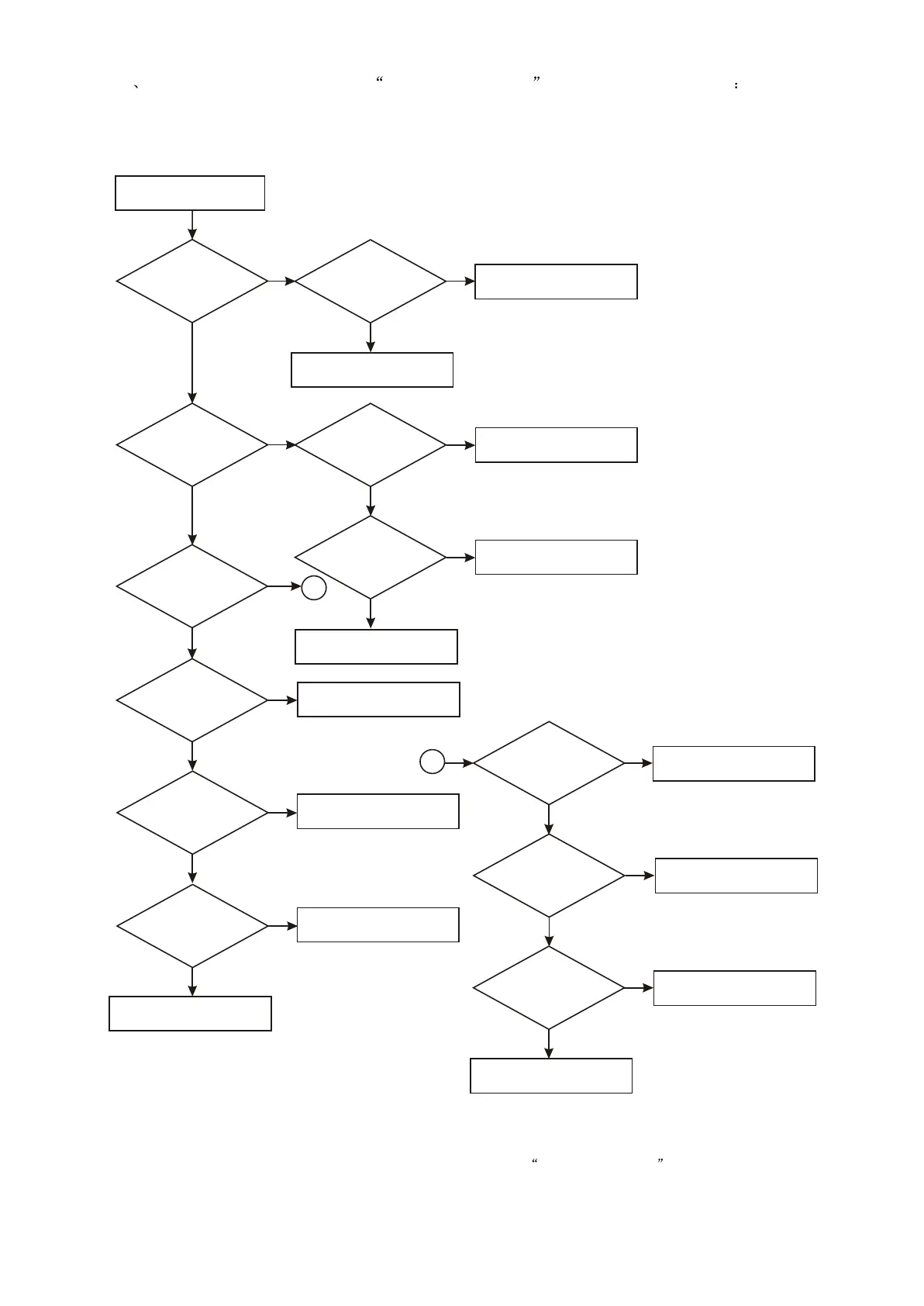
6 Troubleshooting flow chart of player not power on is shown in figure 3.3.2.6
Player not power on
Whether
indication light of
panel is on
Whether
+5V of power board
is normal
Check power supply circuit
N
Y
Y
Replace panel light
emitting diode
Whether
standby red indication
light is on
Whether
STBY signal of main
panel is normal
N
Check main panel circuit
Y
A
N
Whether
voltage of each
channel of power board
has instantaneous
output
N
Check power board
standby control circuit
Y
Check decode board channel
Whether
panel display is normal
N
Check panel circuit
Y
Whether
video has signal output
Y
N
Trouble is removed
Check video output terminal
Presspower
button, whether red in
dication light of
panel is off
Y
Whether
pin 182, 183, 185,
187 of MT1389 have
signals
Y
N
Replace MT1389
Figure 3.3.2.6 Troubleshooting flow chart of player not power on
N
N
Y
N
Replace defect button
Whether control
signal of main panel
Pt6317 isnormal
Replace PT6317
Check decode circuit
N
Check flat cable and socket
N
Whether
power press button
is normal
Whether
STB, CLK sockets of
XS106 is normal
Y
Y
Y
A
- 38 -


 To Next Page