MX610HD User’s Manual
MX610HD User’s Manual
Status Description Status Description
OFF No link OFF 10Mbps
Orange Linked Green 100Mbps
connection
Blinking Data
Orange
1Gbps
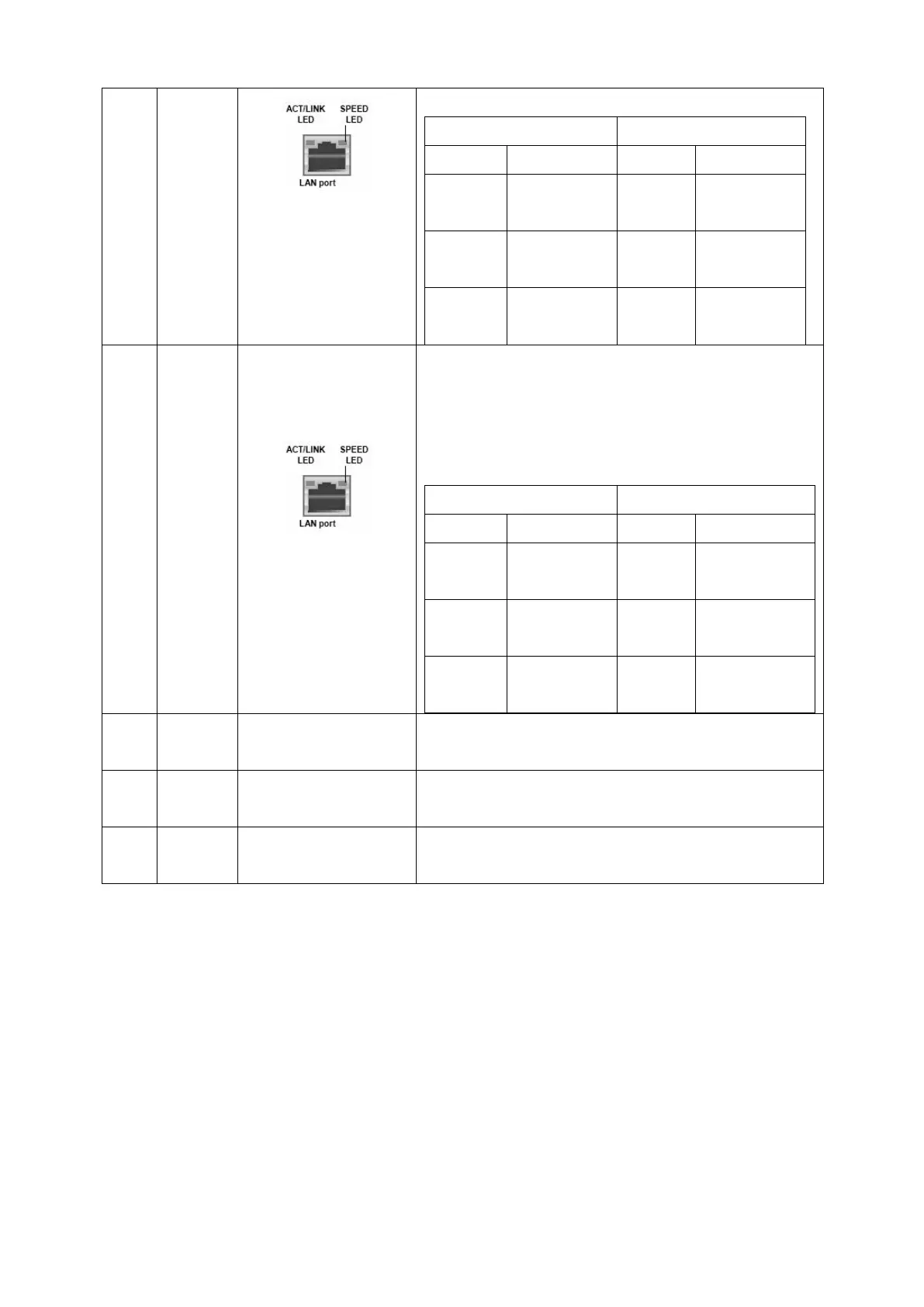
6 LAN2 2.5G LAN
(RJ-45)
Connectors
This port allows 2.5G connection to a Local
Area Network (LAN) through a network hub.
Refer to the table below for the LAN port LED
indications.
ACT/Link LED Speed LED
OFF No link OFF 10/100Mbps
connection
Orange Linked Green 1Gbps
Blinking Data
activity
Orange
2.5Gbps
connection
7 USB3.2
Type A
USB 3.2
Connectors(TypeA)
These two Universal Serial Bus (USB) ports are
available for connecting USB 3.2 devices.
8 AUDIO Line-out port
This port connects a headphone or a speaker.
9 AUDIO Microphone port
(Pink)
This port connects a microphone.
1.7.2 CPU and System fan connectors (CPU_FAN1, CHA_FAN1)
The fan connectors support cooling fans of 280mA (3.36 W max.) at 4800rpm
or a total of 1A~2.22A (26.64W max.) at +12V. Connect the fan cables to the
fan connectors on the motherboard, making sure that the black wire of each
cable matches the ground pin of the connector.



 To Next Page