MX610HD User’s Manual
62 MX610HD User’s Manual
Enable VT-UTF8 combination key support for ANSI/VT100 terminals
Configuration options: [Enabled] [Disabled]
Recorder Mode [Disabled]
With this mode enabled only text will be sent.
Configuration options: [Enabled] [Disabled]
Resolution 100x31 [Disabled]
Enables or disables extended terminal resolution
Configuration options: [Enabled] [Disabled]
Putty Keypad [VT100]
Selects function key and keypad on putty
Configuration options: [VT1000] [LINUX][XTERMR6][SCO][ESCN][VT400]
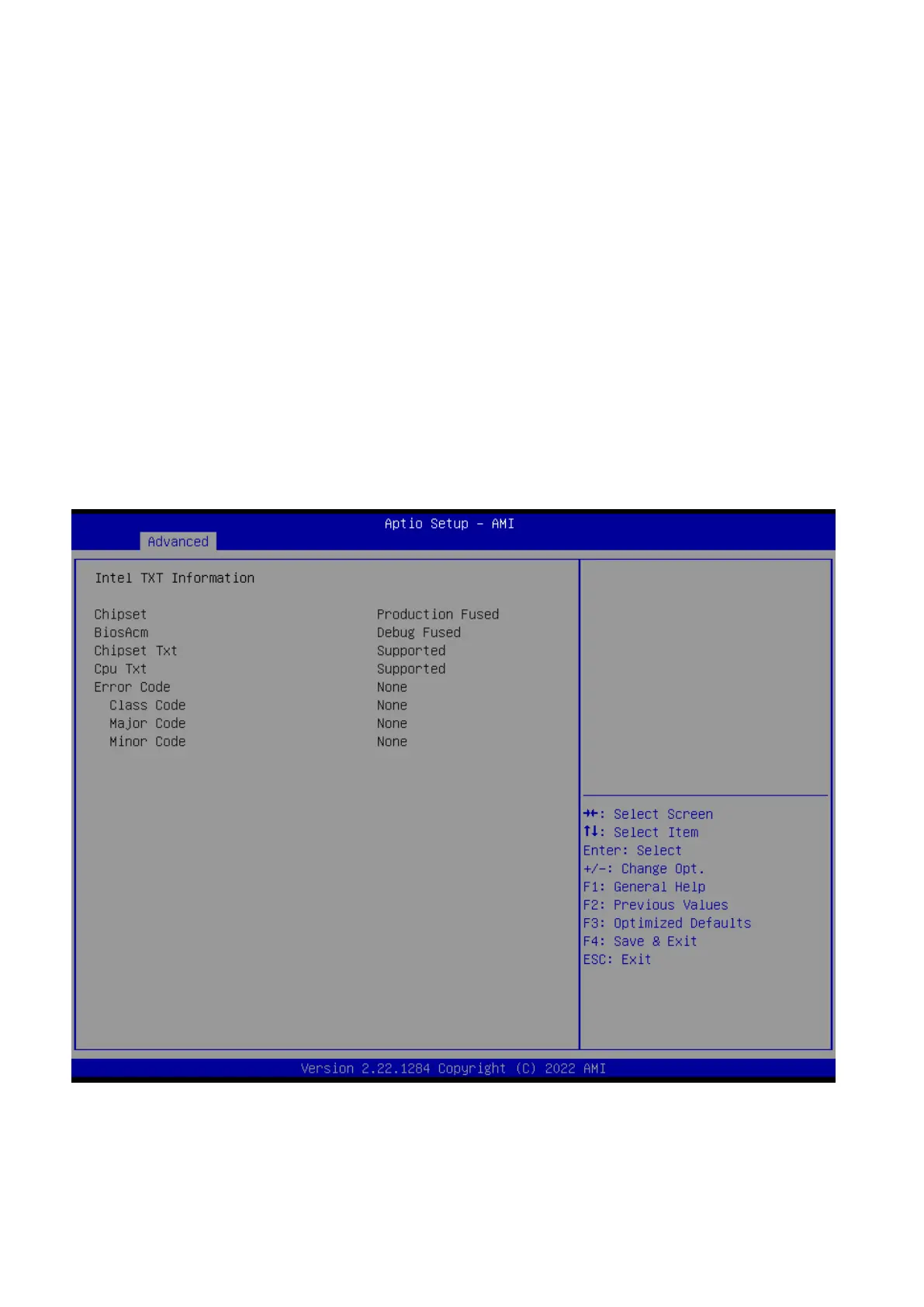
2.4.10 intel TXT information
Display Intel TXT information. This depends on CPU sku.
2.4.11 USB configuration



 To Next Page