MX610HD User’s Manual
78 MX610HD User’s Manual
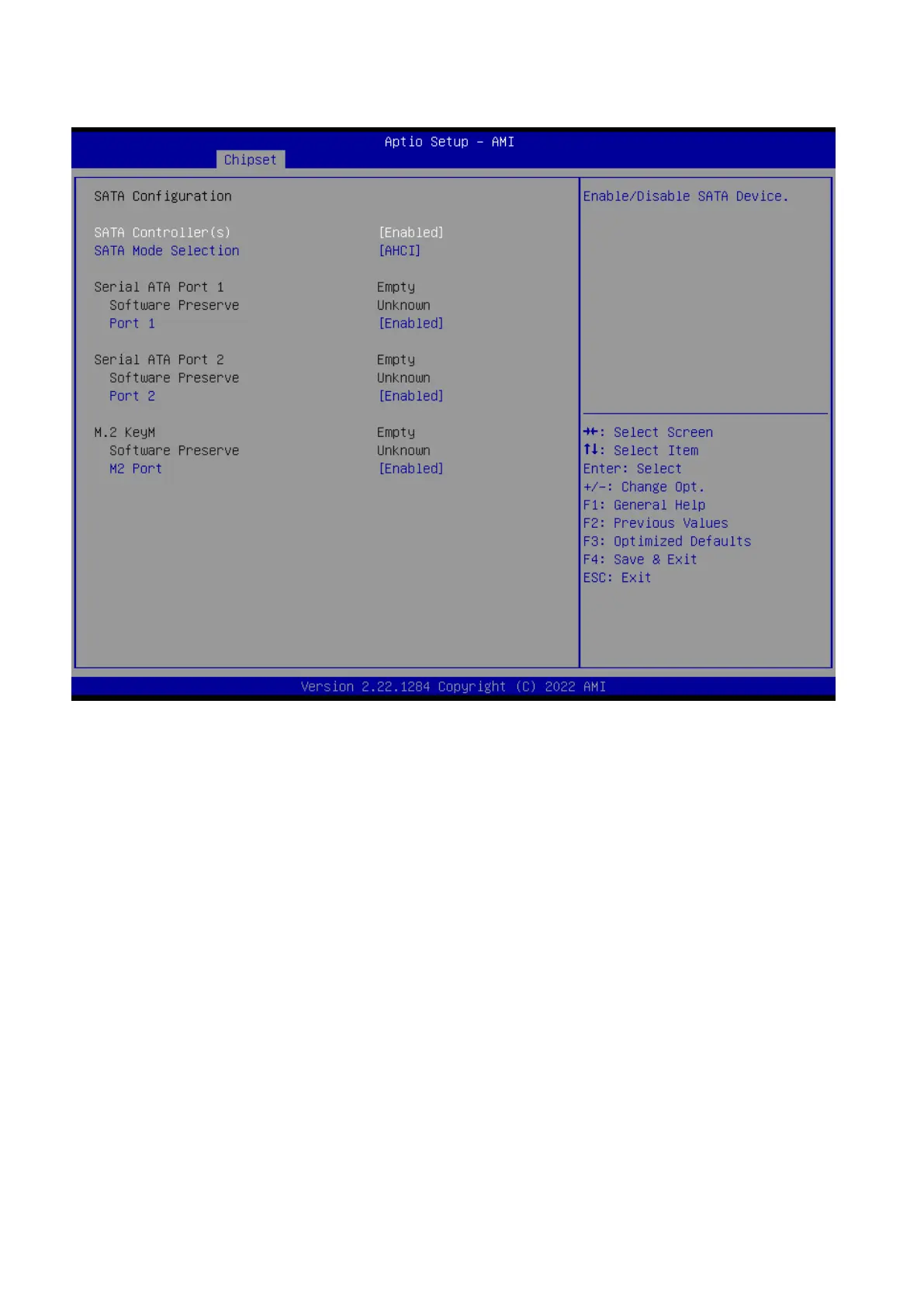
2.5.2.2 SATA Configuration
SATA Controller(s) [Enabled]
Enable or Disable SATA device
Configuration options: [Enabled][Disabled]
SATA Mode Selection [AHCI]
Determines how SATA controller operate
Configuration options: [AHCI]
Port 1(M2 Port) [Enabled]
Enable or Disable SATA port 1
Configuration options: [Enabled][Disabled]
Port 2 [Enabled]
Enable or Disable SATA port 2
Configuration options: [Enable ][Disabled]
Port 3 [Enabled]
Enable or Disable SATA port 3
Configuration options: [Enabled][Disabled]
M2 port [Enabled]
Enable or Disable SATA on M.2 Key M slot
Configuration options: [Enabled][Disabled]



 To Next Page