MX610HD User’s Manual
MX610HD User’s Manual
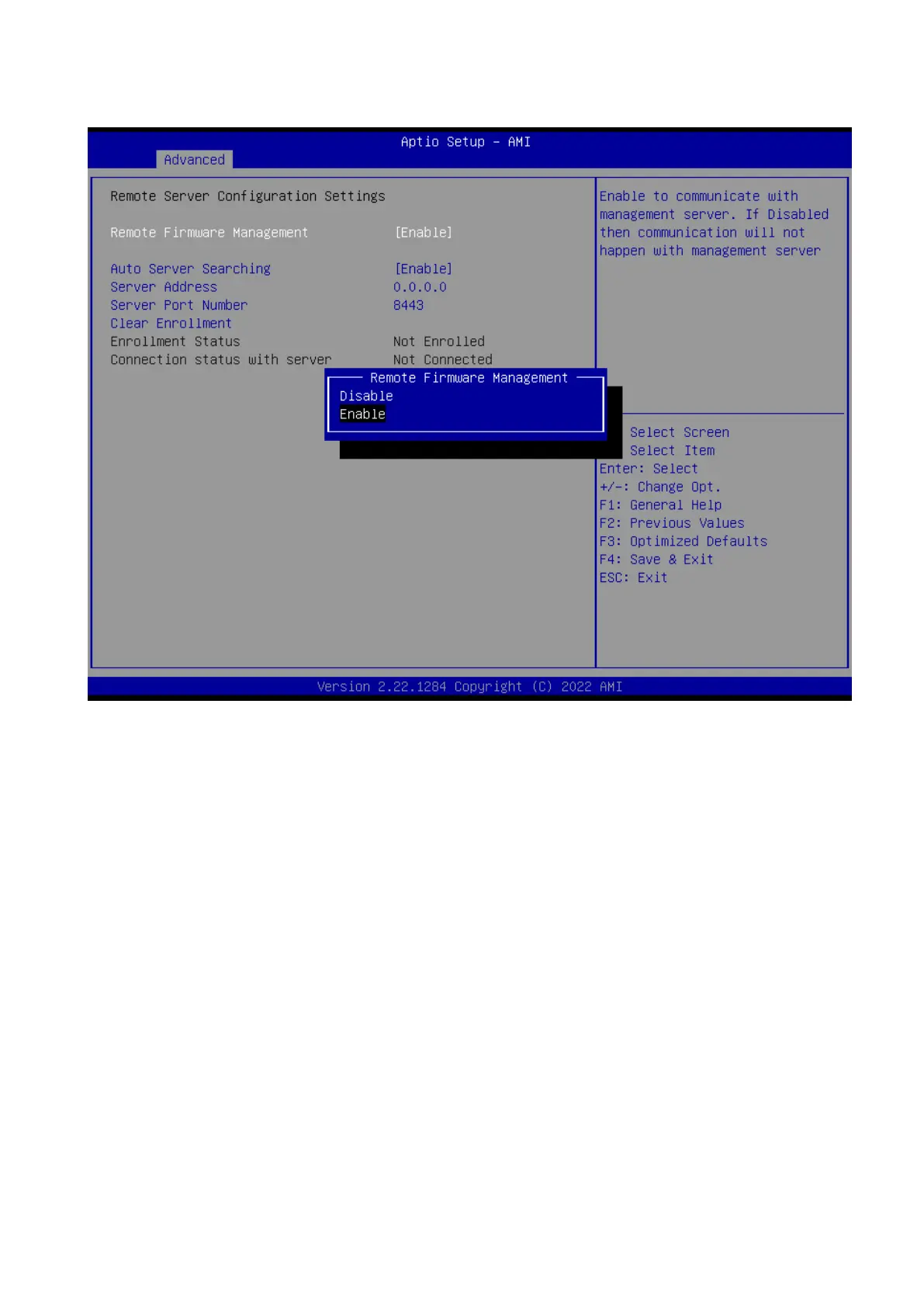
2.4.15 Remote Server Configuration
Remote Firmware Management [Enabled]
Enable to communicate with management server.
Configuration options: [Disabled][Enabled]
Auto Server searching [Enabled]
Enabled to obtain DHCP server IP automatically. Disabled to provide Server IP manually.
Need to do clear Enrollment, if server is changed to DHCP.
Configuration options: [Enabled][Disabled]
Server Address [Enabled]
Management server address to be used if Auto server searching is either disabled or
failed. If changed, need to do clear Enrollment if already enrolled with previous IP.



 To Next Page