MX610HD User’s Manual
MX610HD User’s Manual
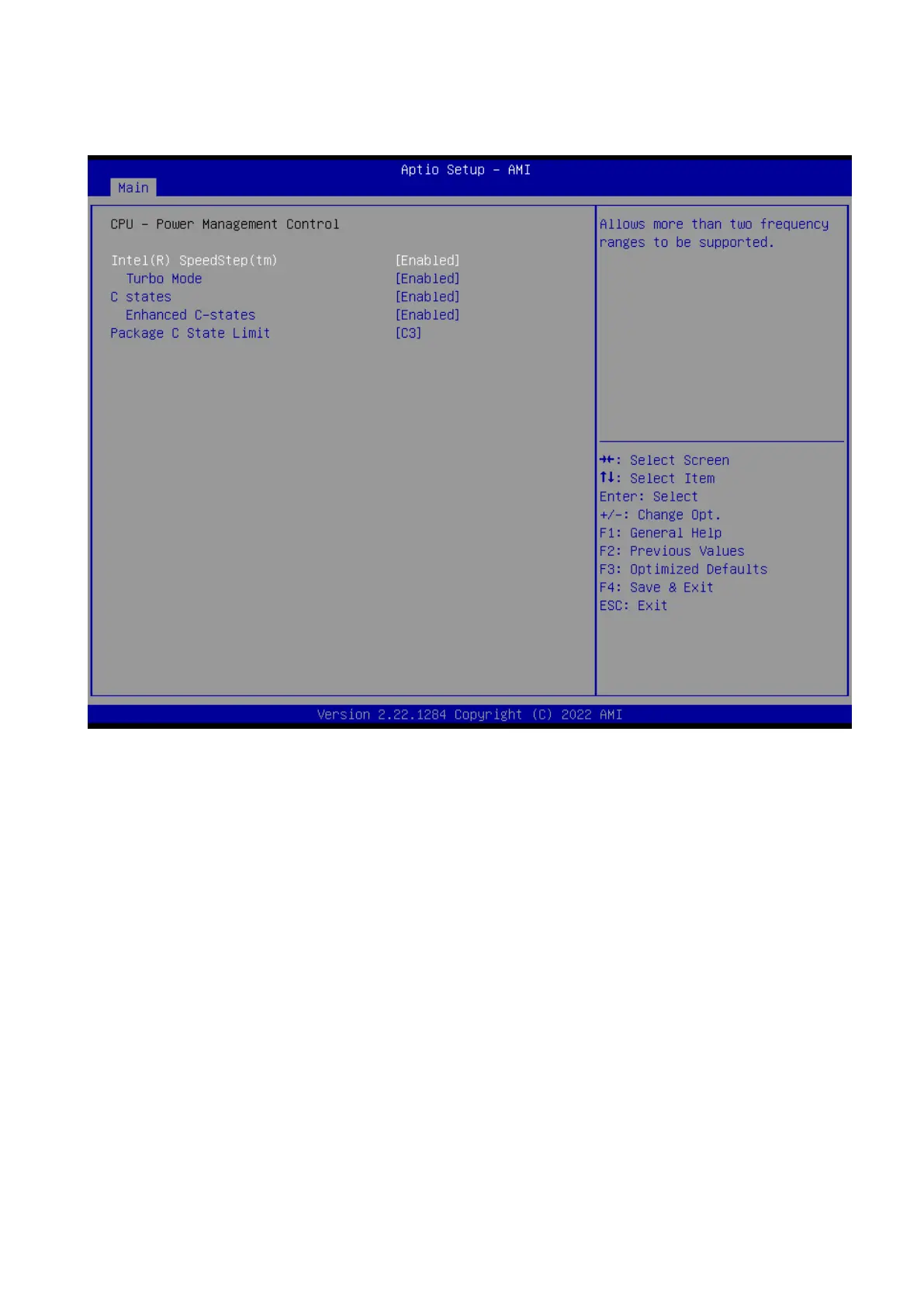
2.4.2 Power & Performance
Power management control for CPU
Intel® Speedstep™ [Enabled]
Allow more than two frequency range to be supported
Configuration options: [Enable] [Disable]
Turbo Mode
Enable or Disable processor Turbo mode
Configuration options: [Enable] [Disable]
C states
Enable/Disable CPU power management. Allows CPU to go to C states when it’s not
100% utilized
Configuration options: [Enable] [Disable]
Enhance C states
When enabled, CPU will switch to minimum speed when all cores enter C state
Configuration options: [Enable] [Disable]
Package C state limit
Maximum package C state limit setting. CPU default : Leaves to factory default value
Configuration options: [C0/C1] [C2] [C3]



 To Next Page