33
Part No. 6-847681-00 Rev. D
Trim Pla te Alignm e nt
Cover Plates (All Modules)
1. Align all trim plates on the alarm panel
and tighten the screws.
NOTE:
Do not over-tighten screws.
1. Remove the protective film from the front
and back of the cover plate.
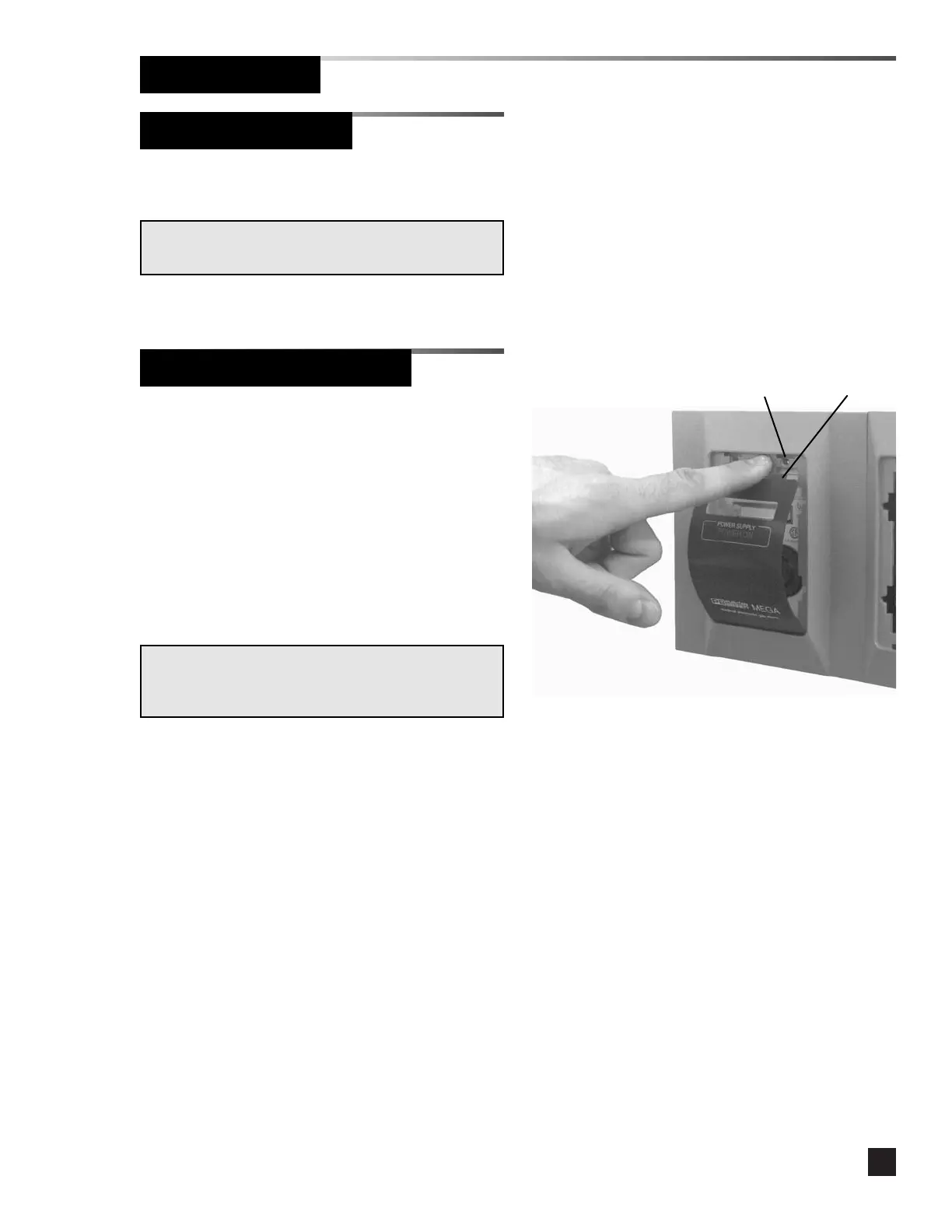
2. Insert the two tabs at the bottom of the
cover plate into the slots in the base of
the trim plate opening. Bend the cover
plate slightly until the two tabs at the top
of the cover plate fit into the two slots at
the top of the trim plate opening. Refer
to Figure 19.
NOTE:
Verify the cover plate is for the correct type of alarm
module.
Figure 19
Tab
Slot
Finish Installation



 To Next Page