38
Part No. 6-847681-00 Rev. D
Multi-Signal Alarm Module
Operation
Set-Up Procedure
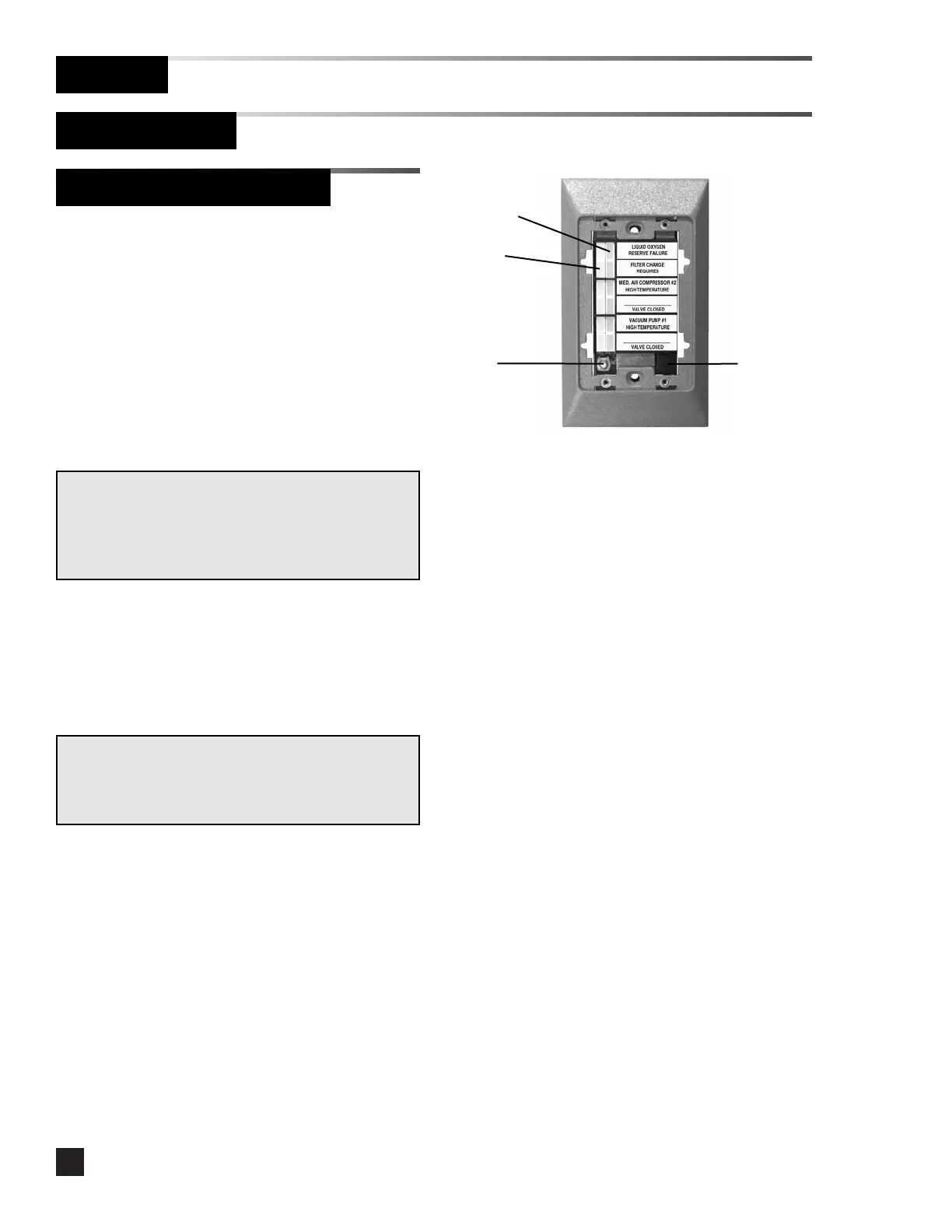
Green LEDs
SETUP
button
SILENCE
button
Red LEDs
Changing signal options:
1. Remove the cover plate.
2. Press the SETUP button to enter setup mode.
3. The top green LED flashes briefly, then the red
LED turns on.
4. Press the SILENCE button to cycle through
the following signal options:
•Constant Red
•Flashing Red
•Disable
5. Press the SETUP button to advance to the next
alarm signal.
6. Repeat step 4 for each signal.
7. After all of the alarm signals have been
programmed, press the SETUP button to save
changes and exit setup mode.
NOTE:
If the module is idle for more than one minute during the
setup procedure, the module will default to the previously
set program.
NOTE:
Disable is only available if the signal input is not wired to
a signal switch from a supply source. If a switch is later
wired to the signal input, the signal will automatically be
reactivated with the Constant Red signal option.



 To Next Page