39
Part No. 6-847681-00 Rev. D
Multi-Signal Alarm Module (Advanced)
Operation
Set-Up Procedure
Viewing the software revision and
network address:
1 Remove the cover plate.
2. Press the SETUP button and SILENCE
buttons simultaneously.
3. All LEDs will illuminate for approximately
2 seconds.
4. A number of LEDs representing the first
digit of the software revision will display
for 1 second.
5. A number of LEDs representing the
second digit of the software revision will
display for 1 second.
6. A number of LEDs representing the third
digit of the software revision will display
for 1 second.
7. All LEDs will illuminate for approximately
2 seconds.
8. A number of LEDs representing the first
digit of the network address will display
for 1 second.
9. A number of LEDs representing the
second digit of the network address will
display for 1 second.
10. A number of LEDs representing the third
digit of the network address will display
for 1 second.
11. All LEDs will illuminate for approximately
2 seconds then the module returns to
monitoring mode.
Warning:
The following advanced setup options should only be
performed by qualified personnel. Improperly set
addresses can cause the alarm not to communicate with a
computer or building monitoring system.
The network address uniquely identifies
each multi-signal alarm module to a personal
computer or Johnson Controls Metasys®
system.
An external computer is required to
program network addresses on multi-signal
alarm modules. Contact Beacon Medical
Products for assistance.
Technic al S upp or t: 1 -8 00- 676-1 115
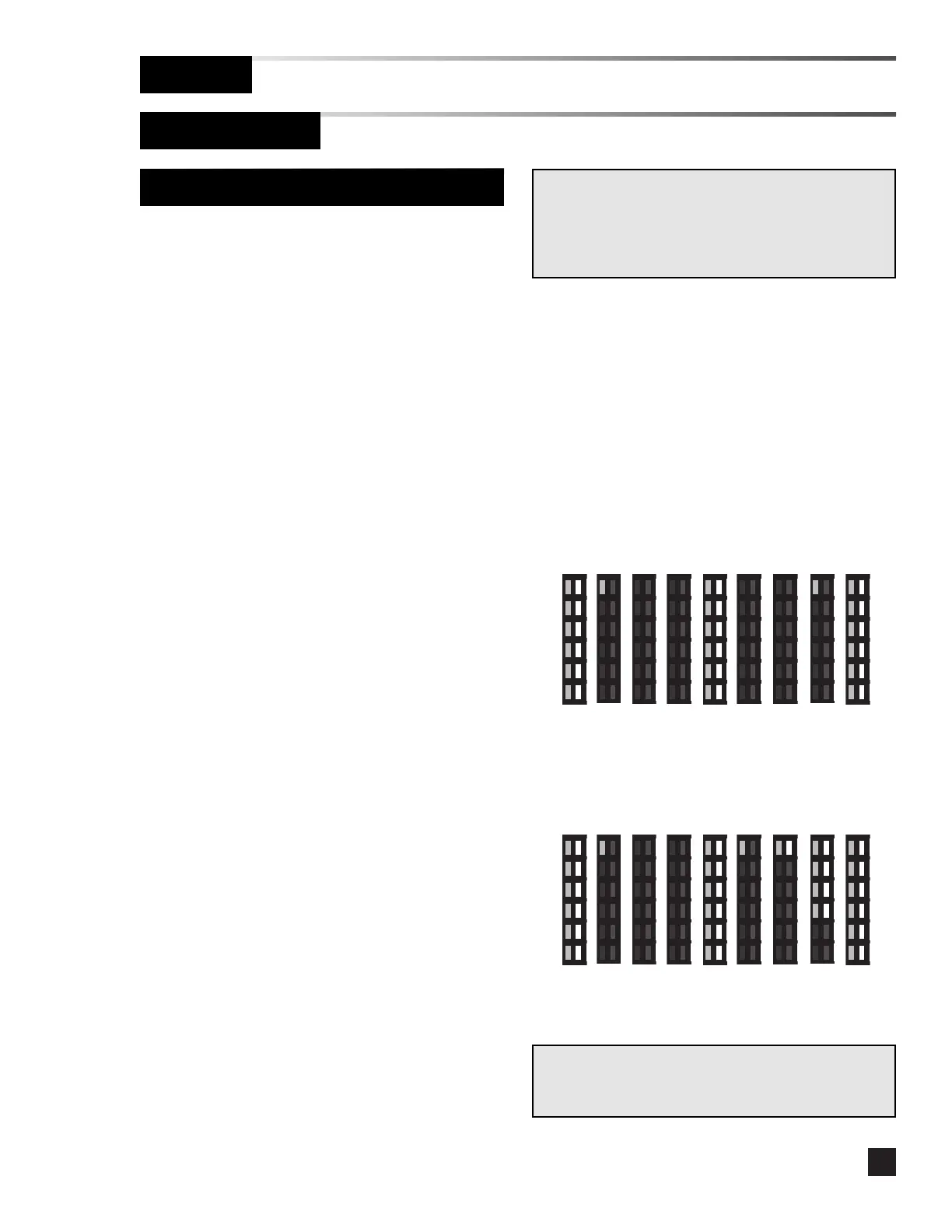
1 0 0 0 0 1
Software 1.0.0
Address 001
1 0 0 1 2 8
Software 1.0.0
Address 128
Examples:
Note:
No LEDs illuminated for one second indicates zero for that
digit.



 To Next Page