40
Part No. 6-847681-00 Rev. D
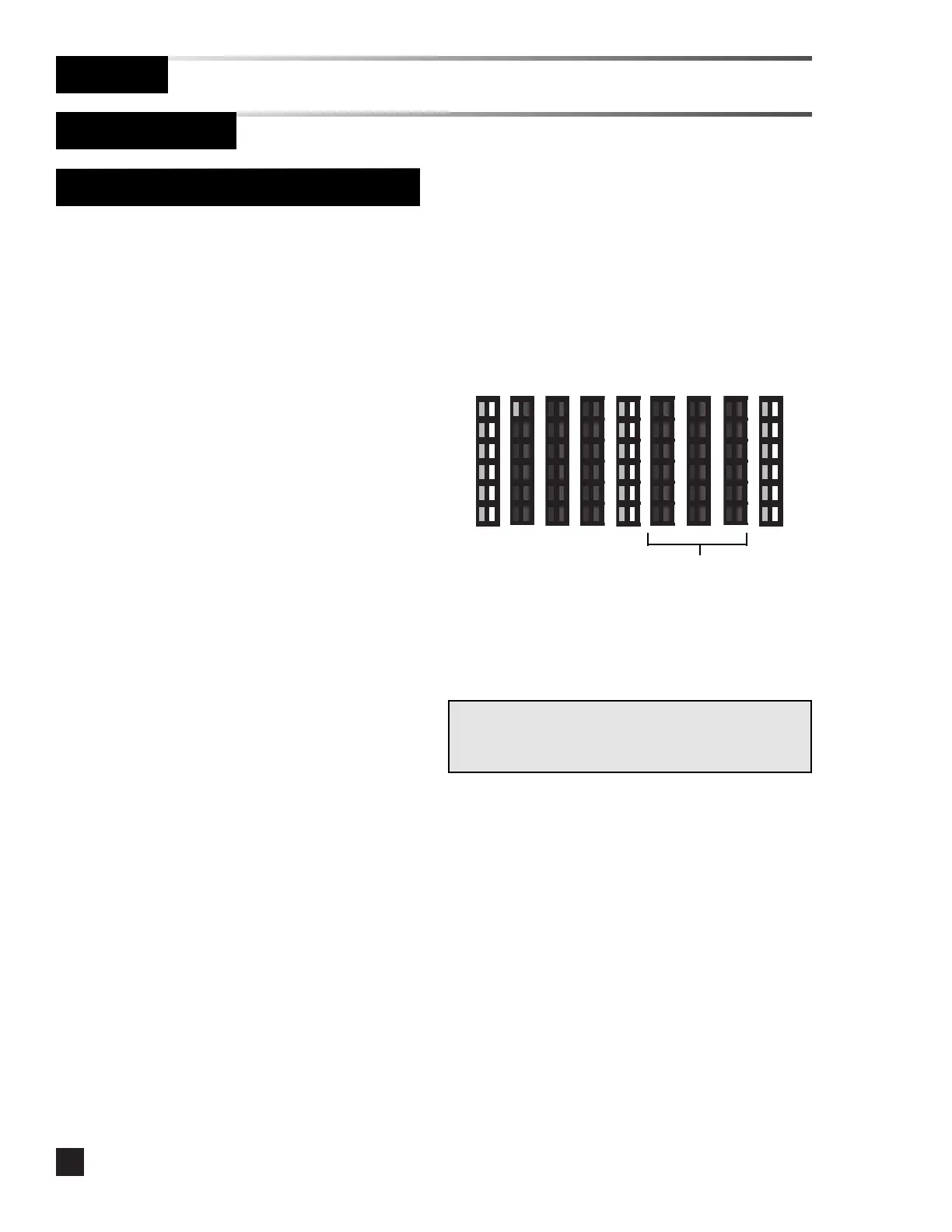
Resetting the network address to zero:
1 Remove the cover plate.
2. Press the SETUP button and SILENCE
buttons simultaneously.
3. All LEDs will illuminate for approximately
2 seconds.
4. A number of LEDs representing the first
digit of the firmware revision will display
for 1 second.
5. A number of LEDs representing the
second digit of the firmware revision will
display for 1 second.
6. A number of LEDs representing the third
digit of the firmware revision will display
for 1 second.
7. All LEDs will illuminate for approximately
2 seconds.
8. A number of LEDs representing the first
digit of the network address will display
for 1 second.
9. Press and hold the SILENCE button until
all LEDs flash briefly. This resets the
network address to zero.
10. The module returns to monitoring mode.
Multi-Signal Alarm Module (Advanced)
Operation
Set-Up Procedure
1 0 0
Software 1.0.0
Press and hold
SILENCE button
during this time
to reset network
address to zero.
Note:
No LEDs illuminated for one second indicates zero for that
digit.



 To Next Page