32
Installation GRS105/GRS106
Release
01
11/2021
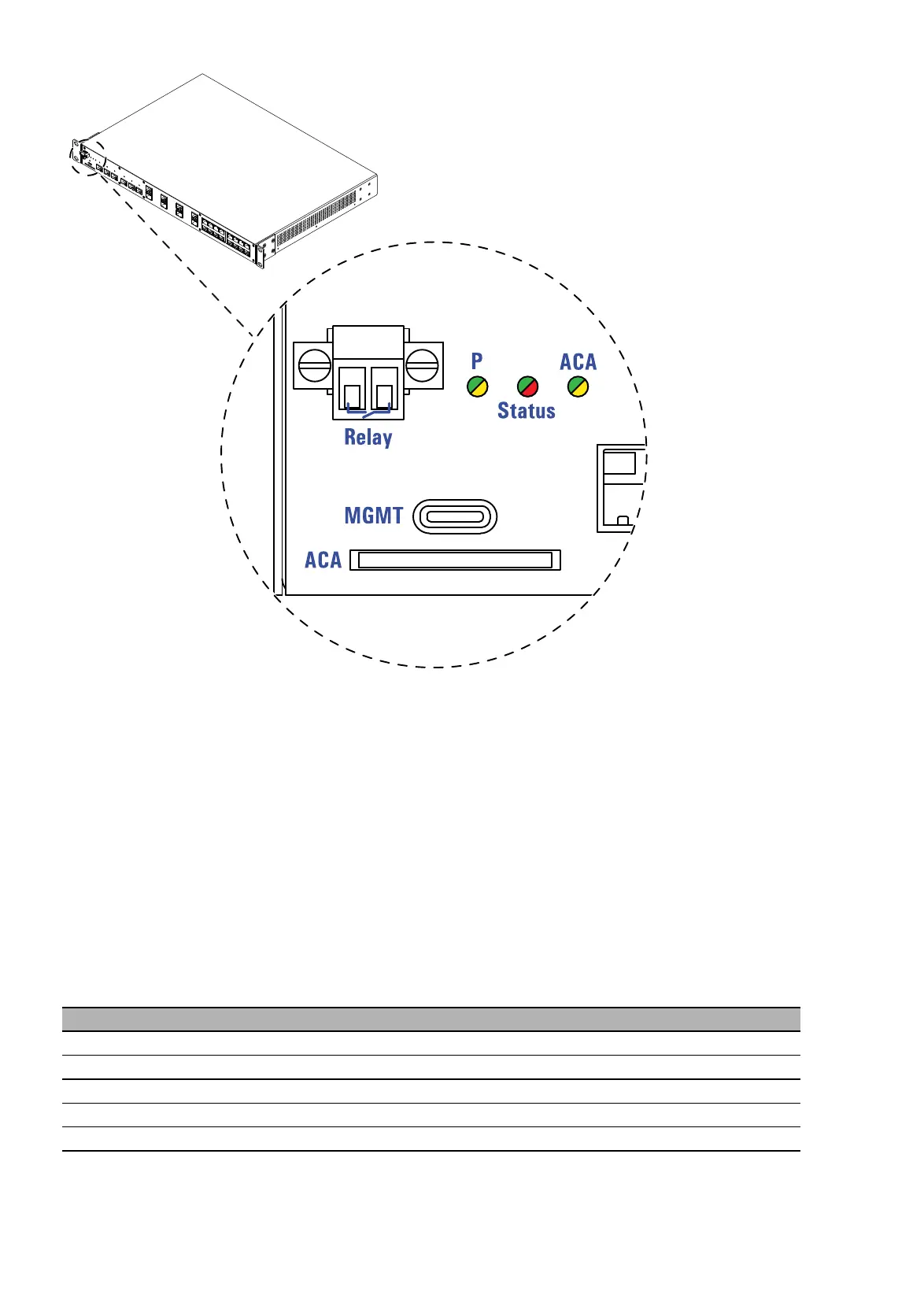
Figure 6: Management interface MGMT: Location on the device (front side of the
device)
The interface allows you to connect your device temporarily via terminal
emulation or network to an external device using an adapter cable. The
adapter cable is available as an accessory (see on page 73 “Accessories”).
The interface allows you to configure, manage and check your device.
The interface has the following properties:
Supports USB Device mode
Supports USB 2.0 (data rate max. 480 Mbit/s)
Voltage NOT potential-separated
VT100 terminal settings
Speed 115200 Baud
Data 8 bit
Stopbit 1 bit
Handshake off
Parity none













 To Next Page