40
Installation GRS105/GRS106
Release
01
11/2021
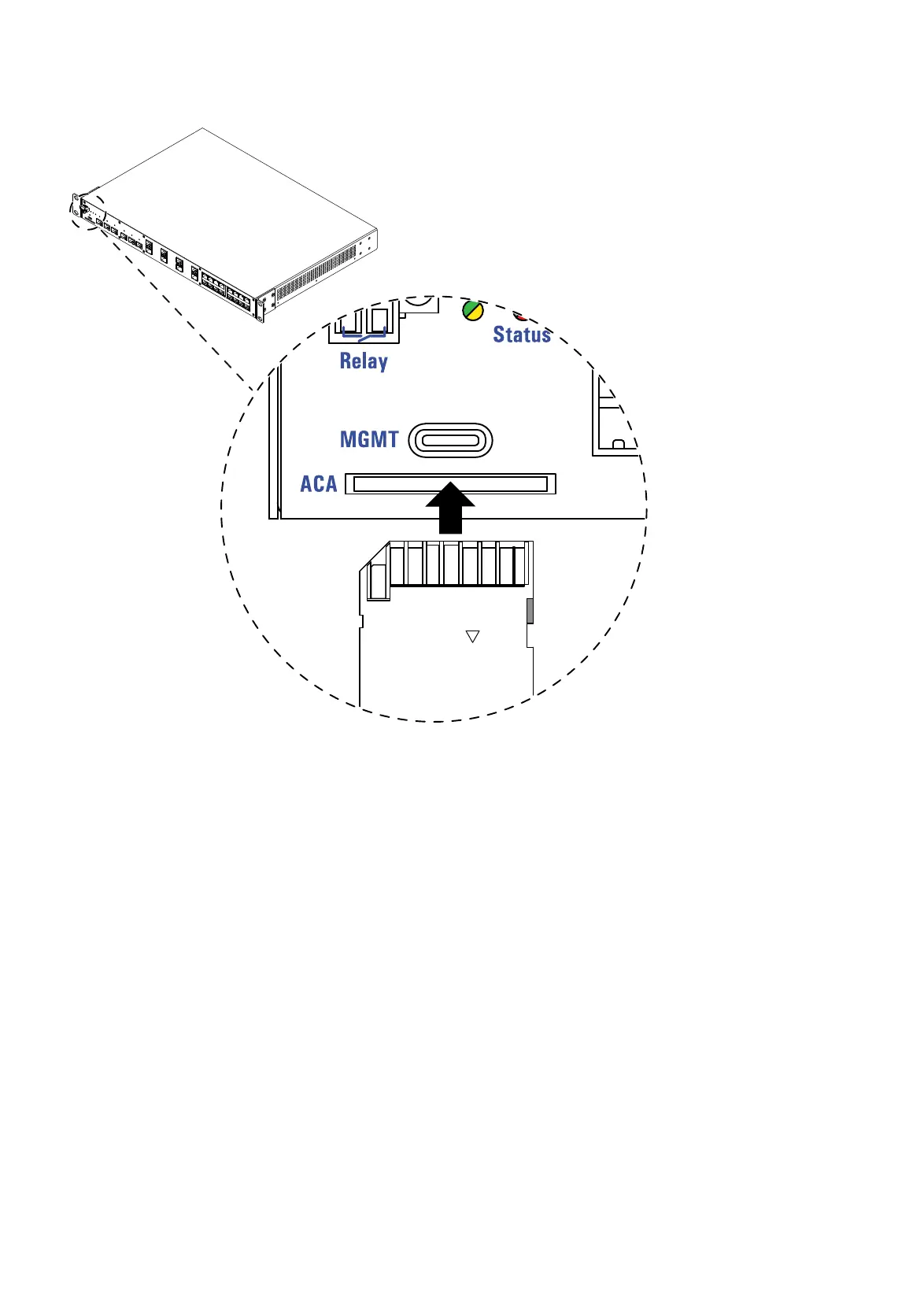
6.2 Installing the SD card (optional)
Figure 12: SD card interface: Location on the device (front side of the device)
Perform the following work steps:
Deactivate the write protection on the SD card by pushing the write-
protect lock towards the contacts of the card.
Push the SD card into the slot with the beveled corner on the front left
side.













 To Next Page