Installation GRS105/GRS106
Release
01
11/2021
33
Configuration, management and checking via adapter
cable
You have the option to configure, manage and check your device via the
interface using an adapter cable. You find detailed information in the
software user documentation. You find the software user documentation
as PDF files on the Internet at https://www.doc.hirschmann.com
The adapter cable is available as an accessory (see on page 73
“Accessories”).
Note: The interface is electrically isolated from the power supply input.
Exclusively connect adapter cables temporarily. Adapter cables may
exclusively be used to configure, manage and check your device.
5.6.3 SD card interface
Prerequisite:
Only use Hirschmann SD cards.
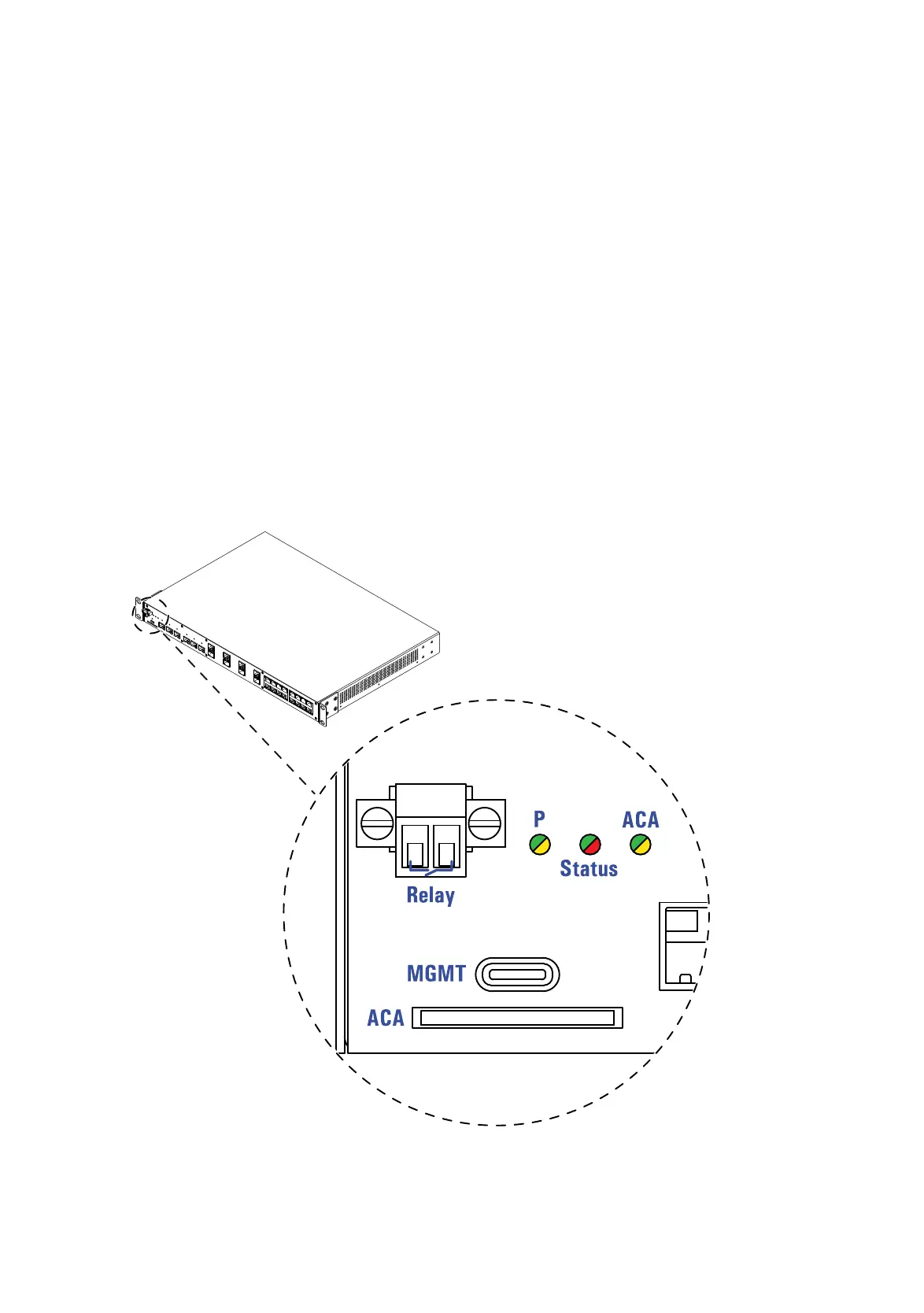
Figure 7: SD card interface: Location on the device (front side of the device)













 To Next Page