58
Installation GRS105/GRS106
Release
01
11/2021
12 Disassembly
12.1 Removing the device
Disconnect the data cables.
Disable the supply voltage.
Disconnect the supply voltage.
Remove any terminal blocks and power supply cables from the device.
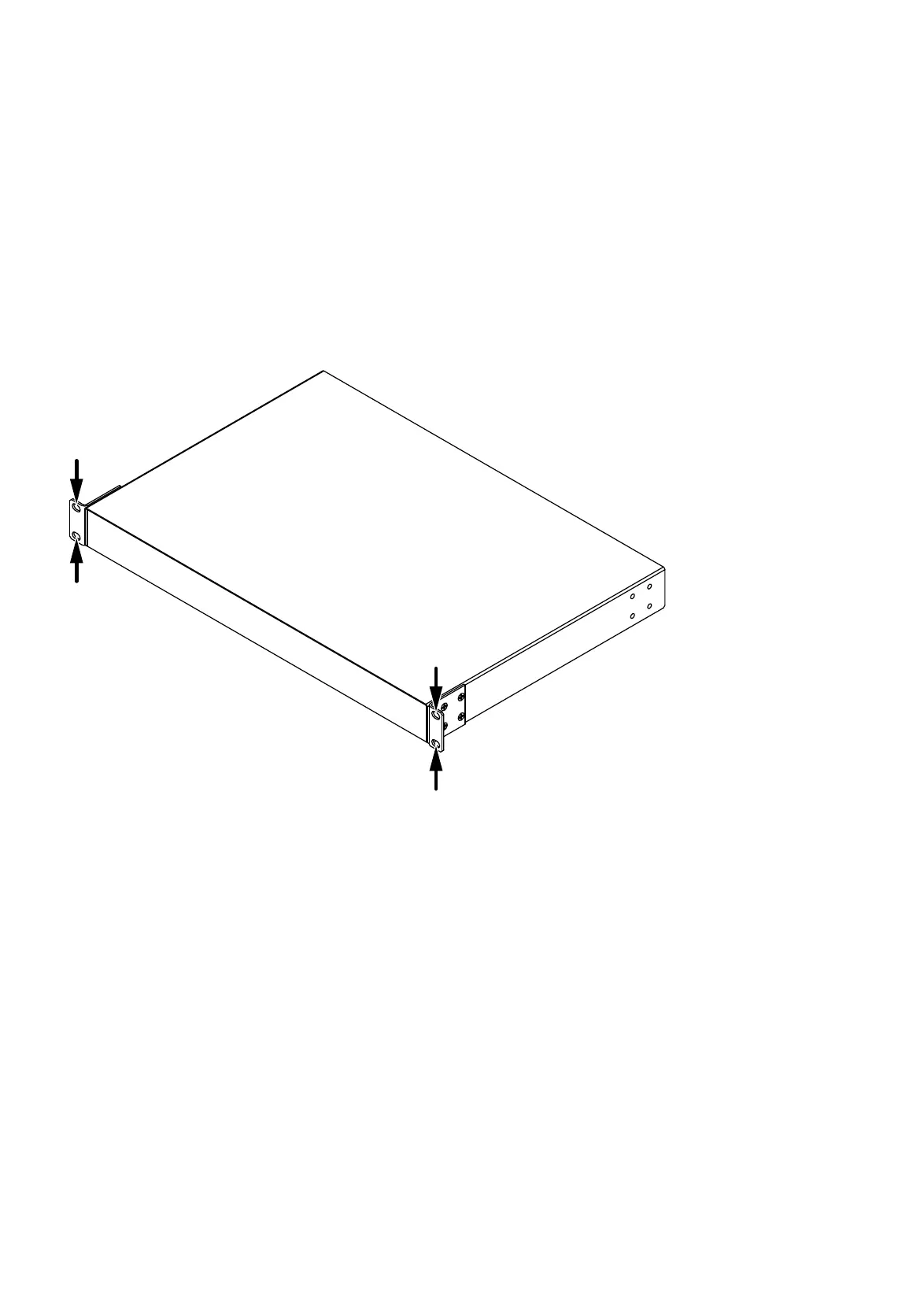
Figure 20: Removing the device: Mounting brackets with oblong holes
To detach the device from the switch cabinet or the wall, remove the
screws from the mounting brackets on the device.













 To Next Page