Installation OCTOPUS 8TX-EEC
Release
07
01/2021
27
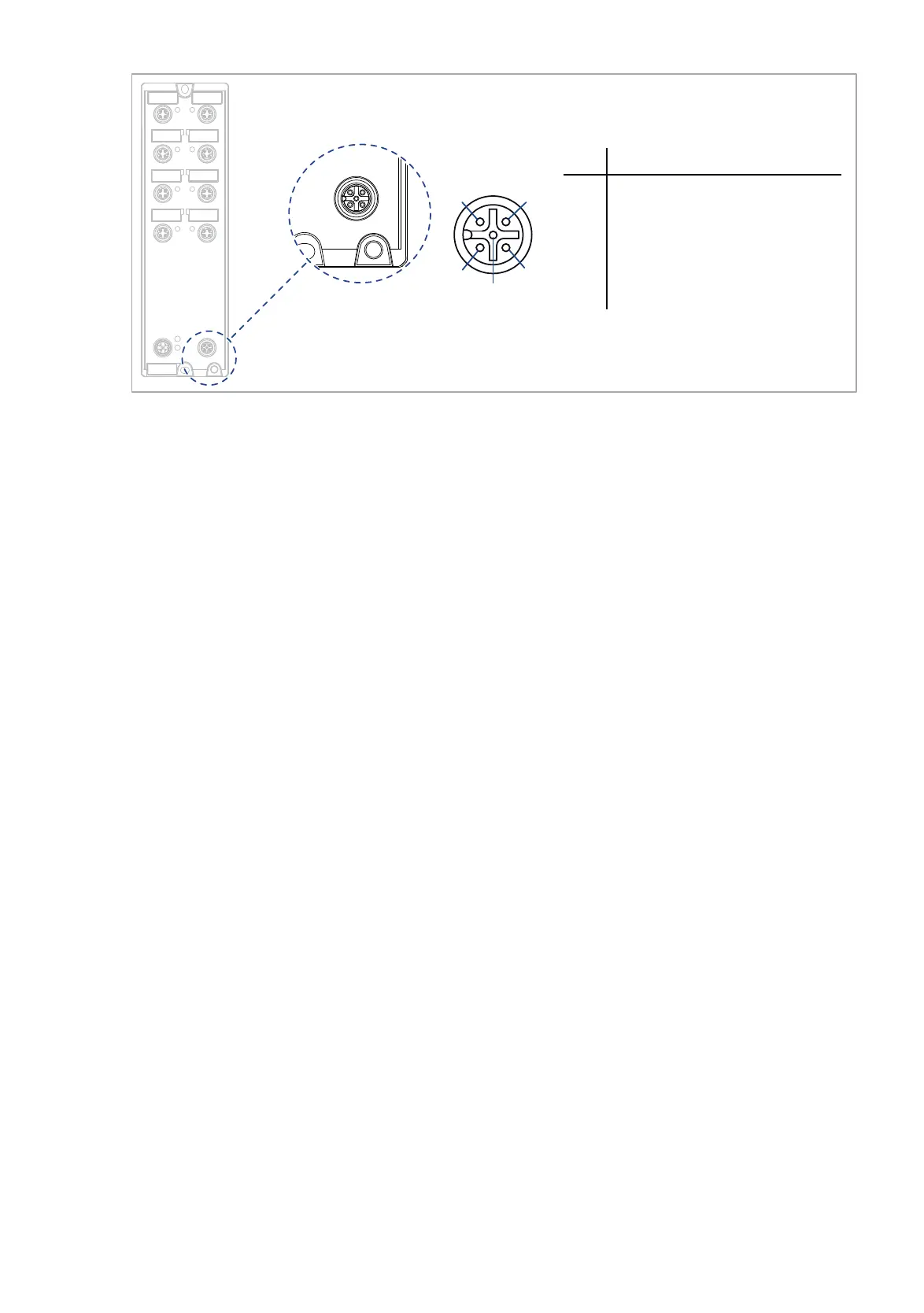
Figure 8: ACA22-C interface: Position on the device and pin assignment
The interface was designed for the use with the external storage medium
AutoConfiguration Adapter ACA22-M12-C (EEC). Additionally, the interface
allows you to connect your device temporarily via terminal emulation or
network to an external device using an adapter cable. The adapter cable is
available as an accessory (see on page 54 “Accessories”).
The interface allows you to configure, manage and check your device.
The interface has the following properties:
Supports the USB Host mode and USB Device mode
Supports USB 2.0 (data rate max. 480 Mbit/s)
Supplies current of max. 500 mA
Voltage NOT potential-separated
Supported file system: FAT32
Configuration via ACA22-M12-C (EEC)
You have the option to connect the storage medium AutoConfiguration
Adapter ACA22-M12-C (EEC). It is used for saving/loading the
configuration data and diagnostic information, and for loading the
software. You find detailed information on the configuration via ACA22-
M12-C (EEC) in the software user documentation. You find the software
user documentation as PDF files on the Internet at https://
www.doc.hirschmann.com
Note: The ACA22-M12-C (EEC) storage medium can remain
permanently connected to the device.
Pin
1
2
3
4
5
Function
U
in
5 V
CC1 CC1
D- Data -
GND Ground (0 V)
D+ Data +
1
2
3
4
5
ACA22-C














 To Next Page