Installation OCTOPUS 8TX-EEC
Release
07
01/2021
31
Perform the following work steps:
Prepare the drill holes at the installation point.
See “Dimension drawings” on page 49.
Mount the device on a level surface with two M4 screws.
2.2.2 Grounding the device
Requirements:
Use a suitable wire diameter for the functional grounding. Hirschmann
recommends a wire diameter of 0.5 mm² (AWG20).
Use toothed washers to ensure good electrical conductivity at the
connection.
Ground the device via an M4 screw.
Note the maximum screw-in depth of 0.295 in (7.5 mm) for OCTOPUS
8TX PoE-EEC and OCTOPUS 8TX-EEC-M devices.
Note: The grounding screw is not included in the scope of delivery.
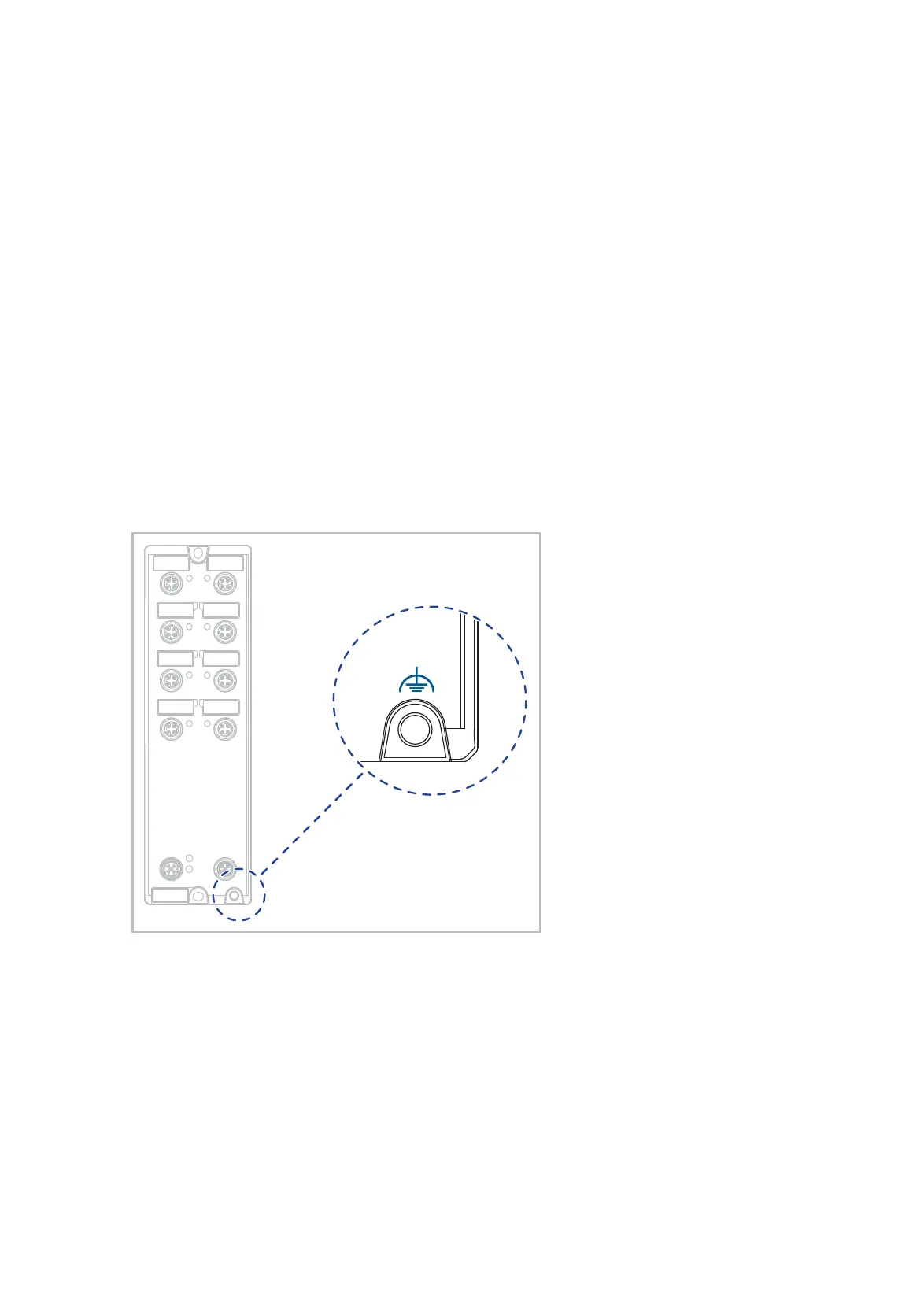
Figure 10: Functional ground on the device
Perform the following work steps:
Grounding the device is by means of a separate ground connection on the
device.
For the position of the ground connection on the device see figure 10.
Ground the device before connecting any other cables.
Disconnect the grounding only after disconnecting all other cables.














 To Next Page