28
Installation OCTOPUS 8TX-EEC
Release
07
01/2021
Configuration, management and checking via adapter
cable
You have the option to configure, manage and check your device via the
interface using an adapter cable. You find detailed information in the
software user documentation. You find the software user documentation
as PDF files on the Internet at https://www.doc.hirschmann.com
The adapter cable is available as an accessory (see on page 54
“Accessories”).
Note: The interface is NOT electrically isolated from the power supply
input. For this reason, exclusively connect adapter cables temporarily.
Adapter cables may exclusively be used to configure, manage and check
your device
1.6.3 Signal contact
This applies to the following device variants only:
OCTOPUS 8TX-EEC-M
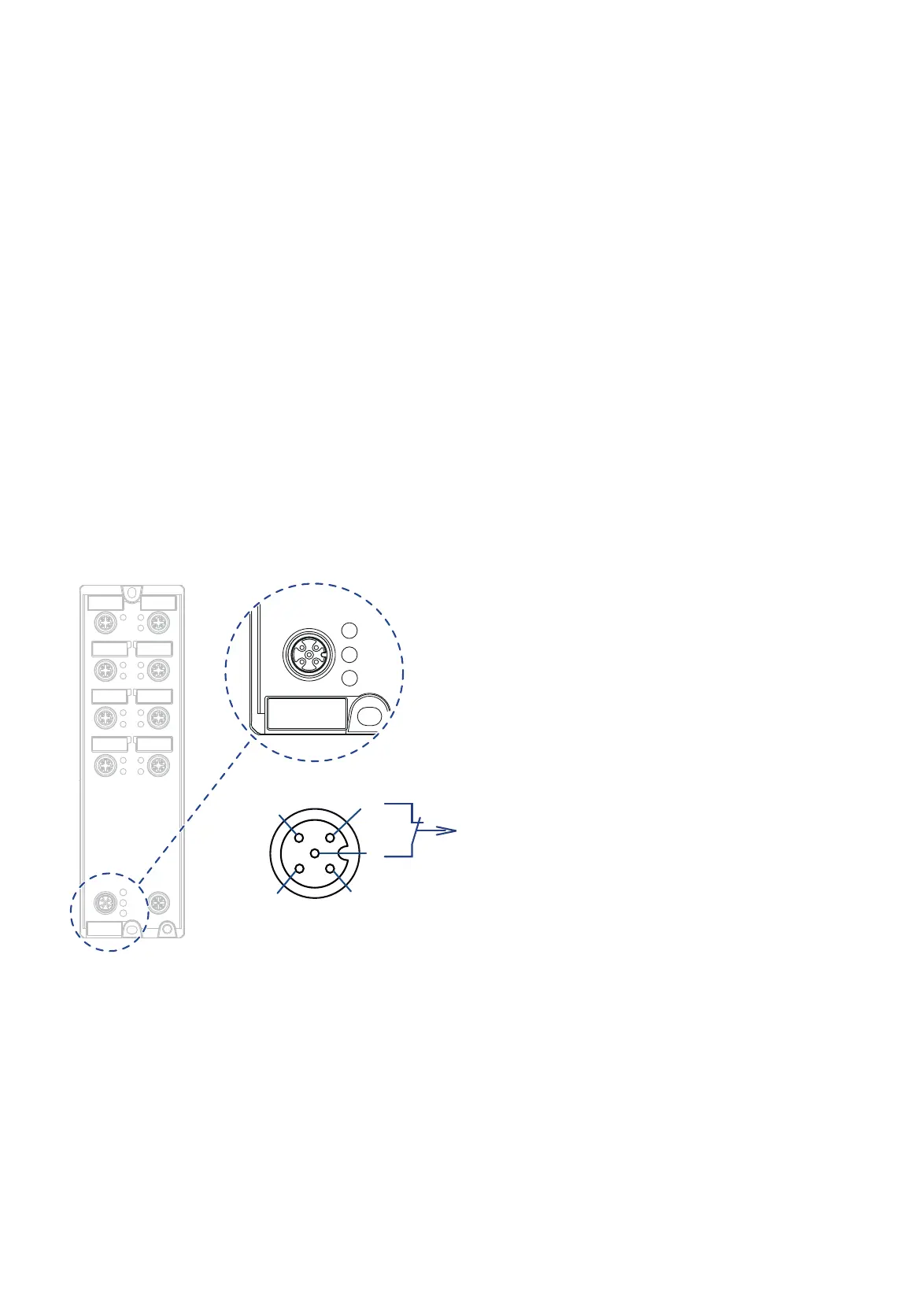
Figure 9: Signal contact OCTOPUS 8TX-EEC-M
The signal contact is a potential-free relay contact. The signal contact is open
when the device is not connected to a power supply.
The signal contact allows you to control external devices or monitor device
functions.
In the configuration, you specify how the device uses the signal contact.














 To Next Page