1515
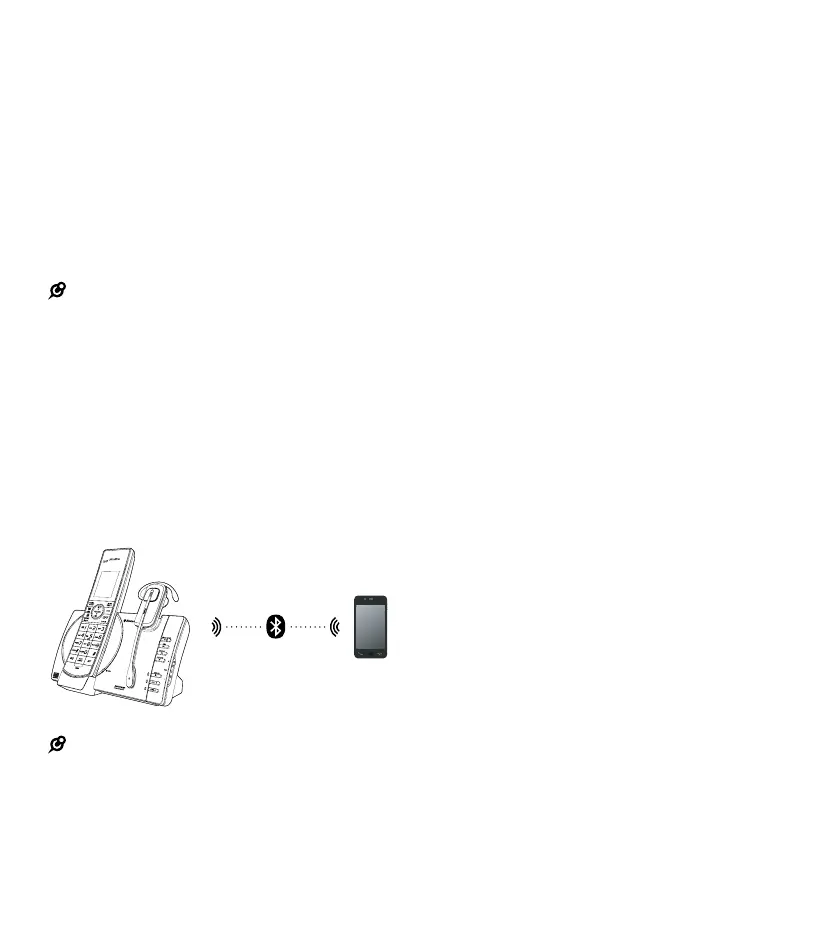
The telephone base must be paired with the
Bluetooth
®
-
enabled cell phone before it can be used.
Depending on the manufacturer this may also be
referred to as Bonding.
PIN–by default, the PIN is 0000 for the telephone
base and for most Bluetooth
®
devices. PIN
information must be exchanged between Bluetooth
®
devices before they can be used. This is also known
as a Passkey or Passcode.
Bluetooth
®
setup
NOTE:
Make sure your cell phone has a good cell reception near
the telephone base
To use a Bluetooth
®
-
enabled cell phone with your
8084150, you must rst pair and connect it with the
telephone base. All 8084150 handsets can be used to
make or answer calls on the cell phone line.
Bluetooth
®
wireless technology operates within a
short range, up to 4.5m (15 ft). When you pair a
Bluetooth
®
cell phone to the telephone base, move
closer to the telephone base to maintain sufcient
signal strength.
NOTE:
• For optimal performance place your cell phone next
to the telephone base while using the cell line
• To avoid interference from other electronic devices
place your telephone base far away from devices
like baby monitors, wireless routers, microwaves
and computers
Add a Bluetooth
®
-enabled cell phone
Before you begin, make sure that you have cellular
coverage and your Bluetooth
®
-
enabled cell phone
is not connected to any other Bluetooth
®
devices.
Refer to your cell phone user's manual to learn how
to search for or add new Bluetooth
®
devices.
All paired cell phones are shown on the cell
devices list.
Once you have paired and connected a device with
the telephone base, you do not need to repeat the
procedure again unless you want to replace the
existing paired cell phone with a new one.
To pair and connect a cell phone:
1. Choose a slot to pair the cell phone. Press and
hold CELL 1 and/or
CELL 2 on the telephone base for about four
seconds until the CELL 1 and/or CELL 2 light
will ash.
• If there is already a cell phone in the slot, the
existing cell phone will be erased from cell
devices list
2. Turn ON the Bluetooth
®
feature of
your cell phone. Once your cell
phone nds your Bell phone (8084150), press
the appropriate key on your cell phone to
continue the pairing process.
• Your cell phone may prompt you to enter the
PIN of the telephone base. The default PIN
is 0000
• All cell phones that are connected to the
telephone base are disconnected temporarily
until the pairing process is complete



 To Next Page