3333
Telephone base ringer volume
Press – /VOL/ + on the side of telephone base to
adjust the ringer volume when the telephone base
is not in use.
When you set the ringer volume to zero, the base
ringer is OFF and the system will announce, “Base
ringer is off.”
Temporary ringer silencing
When the telephone is ringing, you can temporarily
silence the ringer of the handset without
disconnecting the call. The next call rings normally at
the preset volume.
• Press OFF or MUTE on the handset and it
will display
NOTES:
• Each handset and the base ring when there is an
incoming call unless the ringer volume of that device
is turned off.
• You can also press
or on the base unit to adjust
the ringer volume. The adjustment will be saved and
applied to the next incoming call
About the built-in answering
system and voicemail service
For message recording, your telephone has a built-
in answering system and it also supports voicemail
services offered by your telephone service provider
(subscription is required, and fee may apply).
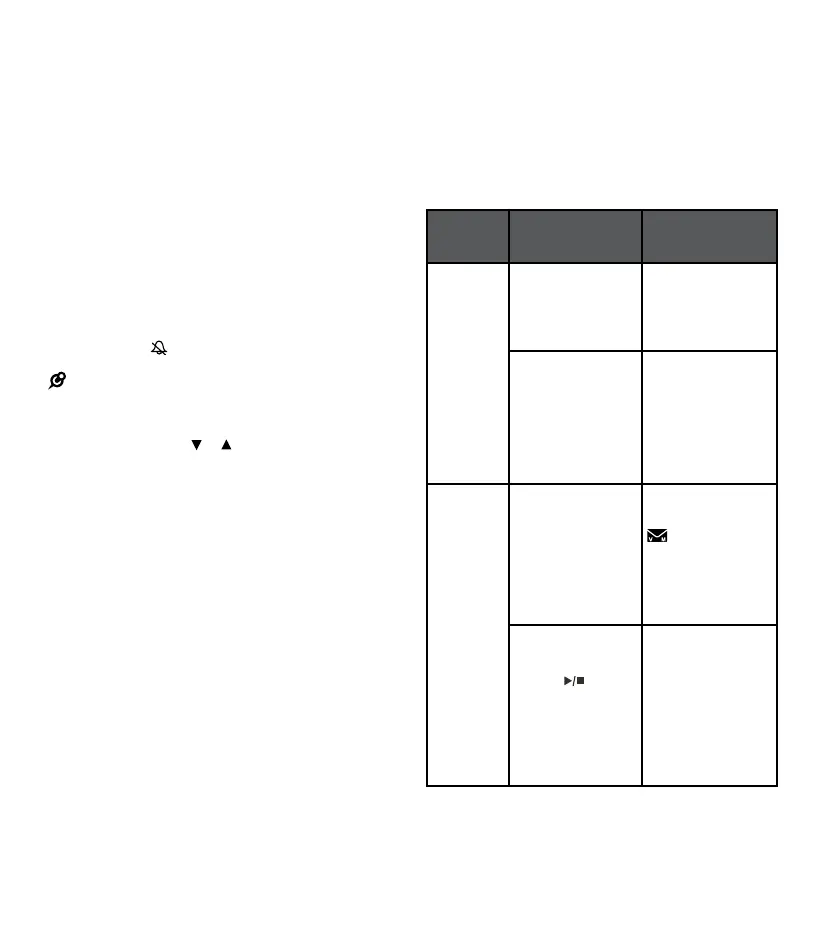
The main differences between them are:
Category
Built-in answering
system
Voicemail from
telephone service
Storage
Messages are
stored in the
telephone base.
Messages are stored
in a server or system
provided by your
telephone service.
Your messages
will not be deleted
automatically.
You have to
delete your
messages manually.
Your messages may
be automatically
deleted after a period
of time.
Contact your
telephone service
provider for
more details.
Method
to retrieve
messages
When you received
new messages
handset will display
XX new messages
and the message
window on the
telephone base
will ash.
When you received
new messages, the
handset will display
and
New voicemail.
To retrieve
messages, usually
there are two ways:
• Press
on the
telephone base
• Access remotely
with an access
code
To retrieve
messages, you
need an access
number and/or a
passcode provided
by your telephone
service provider.



 To Next Page