3030
Dial a Caller ID log entry
1. Search for the desired Caller ID log entry (see
Review the Caller ID log).
2. When the desired entry displays, press
/
HOME,
/CELL
or
to dial.
Save a Caller ID log entry to the
phonebook
1. Search for the desired Caller ID log entry (see
Review the Caller ID log).
2. When the desired entry displays, press SELECT.
3. Press SELECT to choose To Phonebook. The
handset will display Enter number.
4. Use the dialing keys to edit the number if
necessary. Press SELECT to move to the name.
The handset will display Enter name.
5. Use the dialing keys to add or edit the name.
6. Press SELECT when done and the screen will
show Saved.
While entering names and numbers, you can:
• Press
or to move the cursor to the left
or right
• Press DELETE to erase a digit.
• Press and hold DELETE to erase all digits
• Press and hold PAUSE to enter a dialing pause
(a p will appear)
• Press 0 to add a space (for entering names only)
NOTE:
• If you save an entry which exists in the phonebook the
handset will display Number repeated then return to
previous screen
Delete a Caller ID log entry
1. Search for the desired Caller ID log entry (see
Review the Caller ID log).
2. Press DELETE to delete the displayed entry.
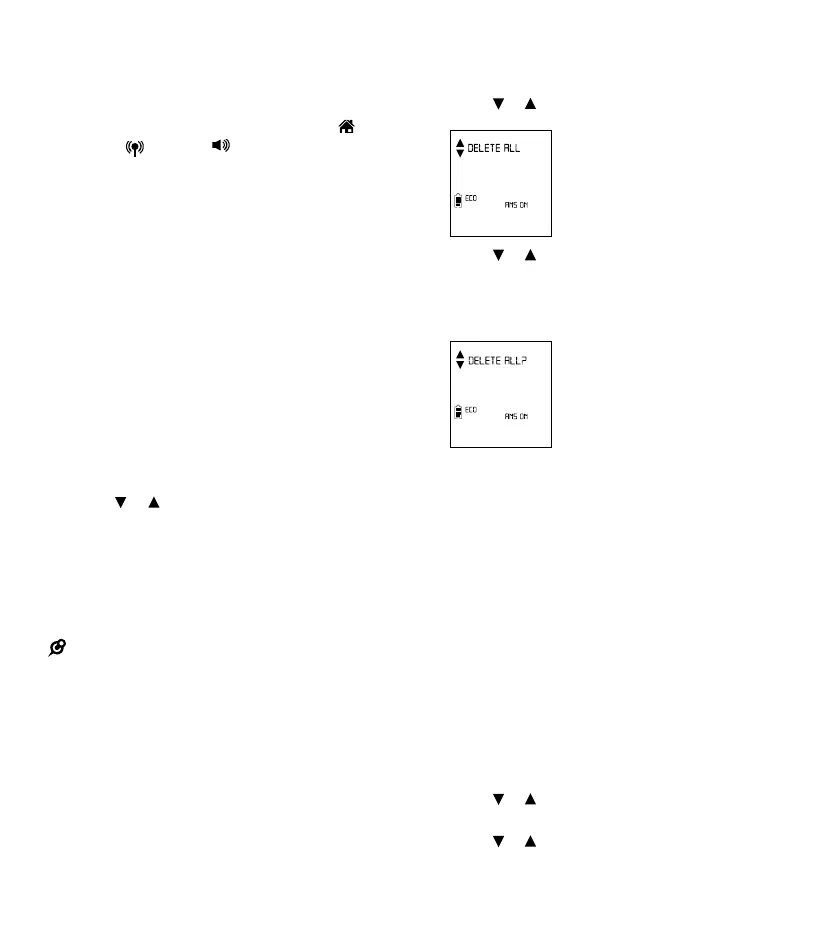
Delete all Caller ID log entries
1. Press MENU when the handset is not in use.
2. Press
or to scroll to Caller ID log, then
press SELECT.
3. Press or to scroll to Delete all, then
press SELECT.
4. The screen will display Delete all?, press
SELECT to delete all entries. You will hear
a conrmation tone.
Call block
If you have subscribed to Caller ID service, you
can set the telephone to block unknown calls and
certain undesired calls.The call block list can store
up to 20 entries.
When a home line call is blocked, the caller will
hear a simulated busy tone for one ring cycle.
You may pick up the call during the rst ring when
there is no Caller ID information. Otherwise, the
call is disconnected.
Block unknown calls
All incoming calls with unknown numbers will
be blocked.
1. Press MENU when the handset is not in use.
2. Press
or to choose Call block, then
press SELECT.
3. Press
or to choose
Calls w/o num, then press SELECT.



 To Next Page