4141
Turn OFF the new voicemail indicators
If you have retrieved your voicemail while away from
home the handset will still display the new voicemail
indicator. Use this feature to turn OFF the indicators.
NOTE:
• This feature will turn OFF the indicators only, it does
not delete your voicemail messages
1. Press MENU when the handset is not in use.
2. Press
or to choose Settings, then
press SELECT.
3. Press
or to choose
Clr voicemail, then press SELECT. You will
hear a conrmation tone.
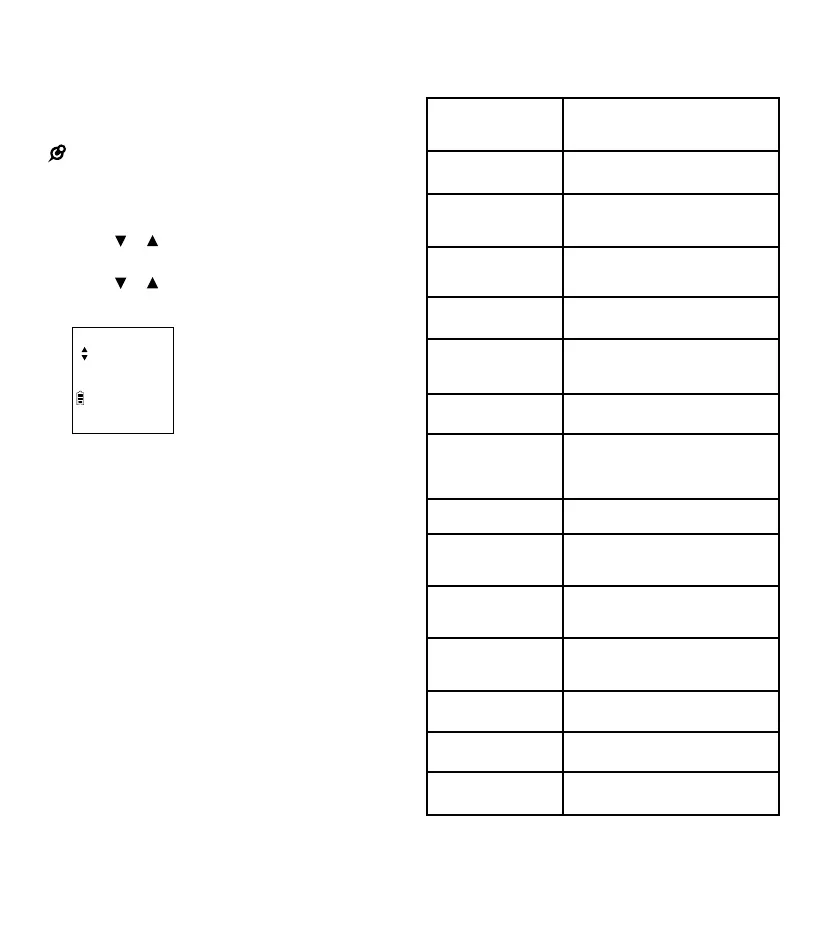
CLR VOICEMAIL
ANS ON
Cell phone voicemail
If you have voicemail service active on your cell
phone and you do not answer the incoming cell
call, the call will be answered by your cell phone’s
voicemail. Contact your cell phone service provider
for more information about voicemail service.
Screen messages
Blocked call
There is an incoming call from a
blocked caller.
Call log
empty
There are no entries in Caller ID
log history.
Calling HS X
The handset is calling another
handset (for intercom calls).
Cell line
busy
Another system handset is using
the cell line.
Cell<X>low
batt
The paired cell phone has low
battery.
C<X>:<Service_
name>
The phone receives an alert from
your cell phone.
Contact
deleted
A phonebook entry is deleted.
Downloading...
The telephone system is
downloading the phonebook from
a cell phone.
Ended
You have just ended a call.
Failed
The handset registration is
not successful.
HS X is
calling
Another system handset is
calling (for intercom calls).
Home line
busy
Another system handset is using
the home line.
Incoming call
There is an incoming call.
Intercom
The handset is on an
intercom call.
Intercom
ended
The intercom call has just ended.



 To Next Page