42
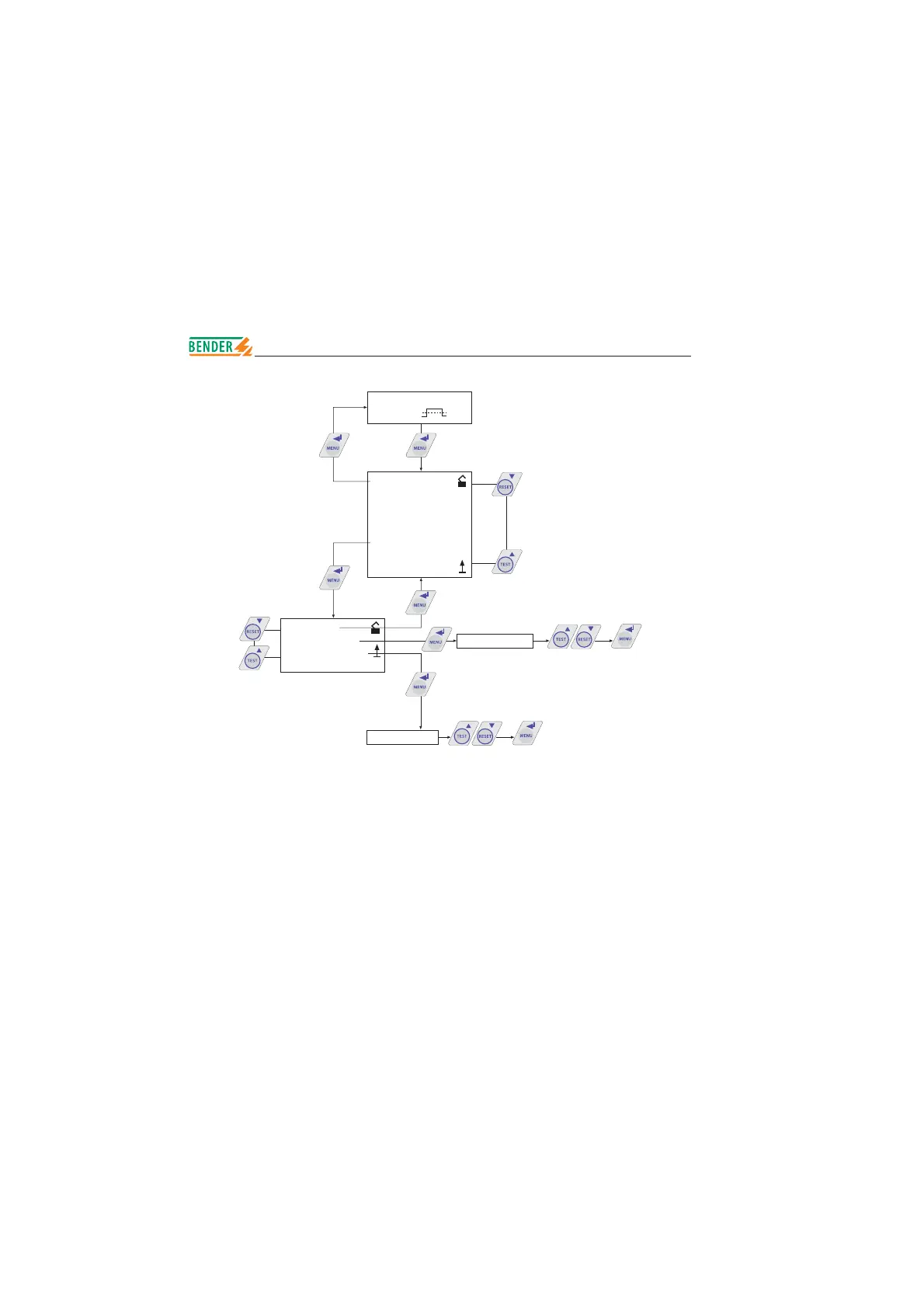
*** IT-SYSTEM ***
R >010 M
1. EXIT
2. HISTORY INFO
3. ISO SETUP
4. ISO ADVANCED
5. COM SETUP
6. PASSWORD
7. LANGUAGE
8. SERVICE
1. Exit
2. Password: XXX
3. Status: off
Status: off
Password: XXX
Status: off
Status: on
Password: XXX
Password: 000
Password: . . .
Password: 999
Setting and activating the password
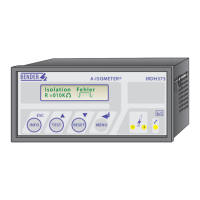
This menu can be used to activate a „password“ query. This protects the
A-ISOMETER
®
against unauthorized settings and modifi cations.
The appropriate password (menu point 2. password: xxx) can be set with the
arrow keys and confi rmed with the ENTER key.
The password can be activated in the menu point „3. Status: on“ by clicking the
ENTER key. Basically the password is deactivated „3. Status: off“.
Operation and setting
Password setting







 To Next Page