41
Operation and setting
ISOnet Function (COM SETUP)
In the ISOnet = ON submenu of the COM SETUP menu, the ISOnet function
can be set. The ISOnet function of all ISOMETERs
®
existing in the system must
be in „On“ position.
A BMS Master the ISOnet function of which has been activated, controls the
ISOnet slave devices via BMS. If an ISOMETER
®
has completed the measuring
cycle, the permission for insulation measurement is given from the ISOnet Master
to the next Slave. During the measurement process carried out by an ISOMETER
®
all other ISOMETERs
®
are in the STANDBY mode.
Bus (addr:)
In this menu a bus address is assigned to the ISOMETER
®
. Since there are several
ISOMETERs
®
in one system, take care that the bus address is not assigned twice.
This may lead to wrong measuring results.
BMS monitor
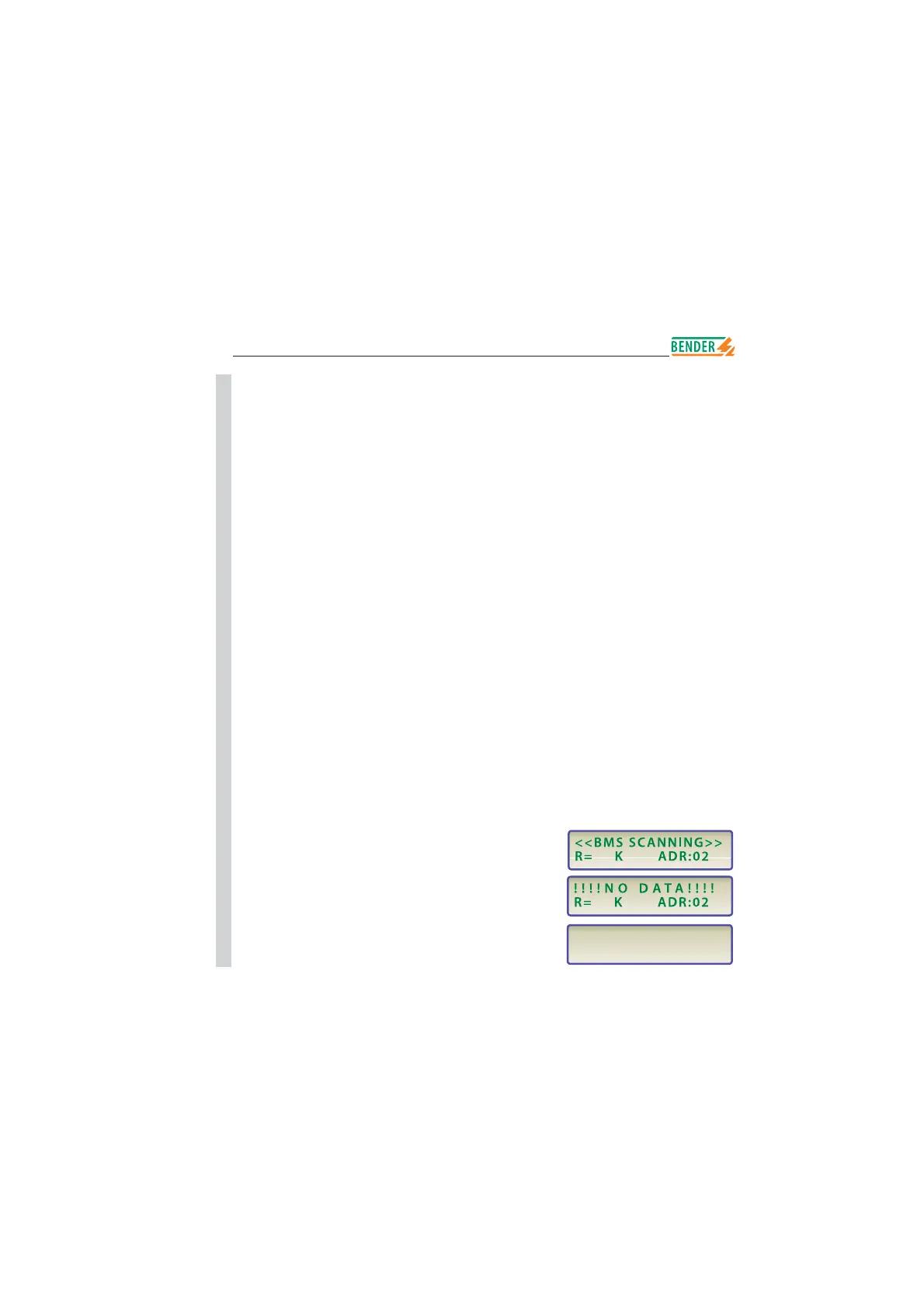
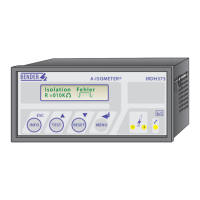
This function allows to query the current value of measure as well as the
current messages of all IRDH375B existing in the network. After selecting the bus
address, the information available on the BMS bus are collected and indicated on
the display. The display indication is structured similar to the standard indication,
but instead of the measuring pulse the selected bus address is indicated. Without
pressing a key, the indication changes to the standard indication after about
5 minutes.
If there is no information available on the bus about the selected bus address, the
message „!!!!NO DATA!!!!“ will be displayed.
Insulation fault
R= 010K ADR:03
information is being searched
no data found
current data address 03
B
B
B
B
B
B
B
B
B
B
B
B
B
B
B
B
B
B
B
B
B
B
B
B
B
B
B
B
B
B
B






 To Next Page