43
Operation and setting
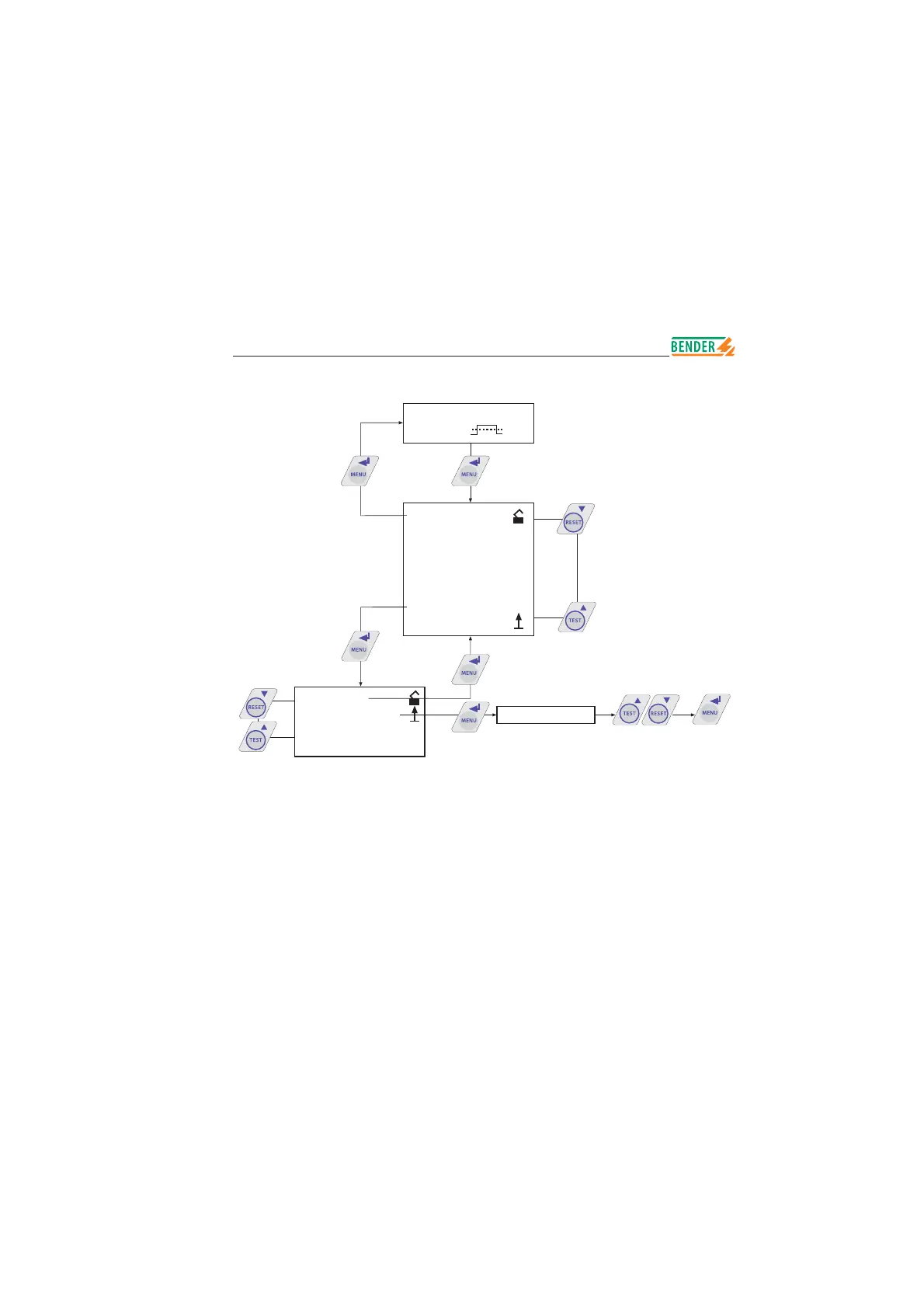
Setting the national language
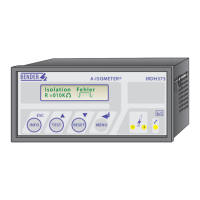
The menu point language allows to select different languages for
the display of the A-ISOMETER
®
. The setting „2. Text: Deutsch“ or
„2. Text: English“ refers to the fi rst line of the display, that means it refers to
a pure fault message.
The device menu is not infl uenced by the language selection.
Language
*** IT-SYSTEM ***
R >010 M
1. EXIT
2. HISTORY INFO
3. ISO SETUP
4. ISO ADVANCED
5. COM SETUP
6. PASSWORD
7. LANGUAGE
8. SERVICE
1. Exit
2. Text: Deutsch
2. Text: Deutsch
2. Text: Deutsch
2. Text: English






 To Next Page