24
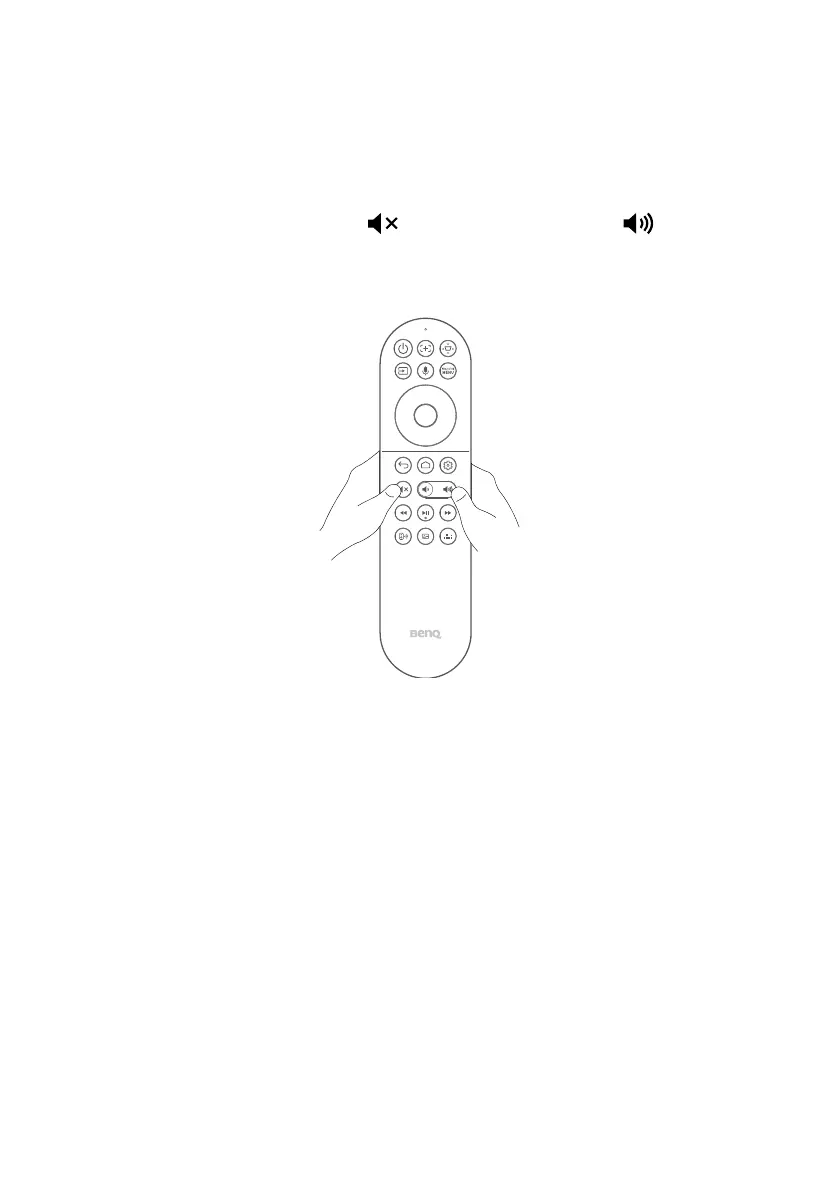
Turning remote control backlight on/
off
With the remote control backlight, you can see the buttons when they are
pressed in the dark
.
Press and hold the Mute button and Volume up button on the
remote control to turn the backlight function on/off. To save battery power,
you can turn off the backlight.



 To Next Page