39
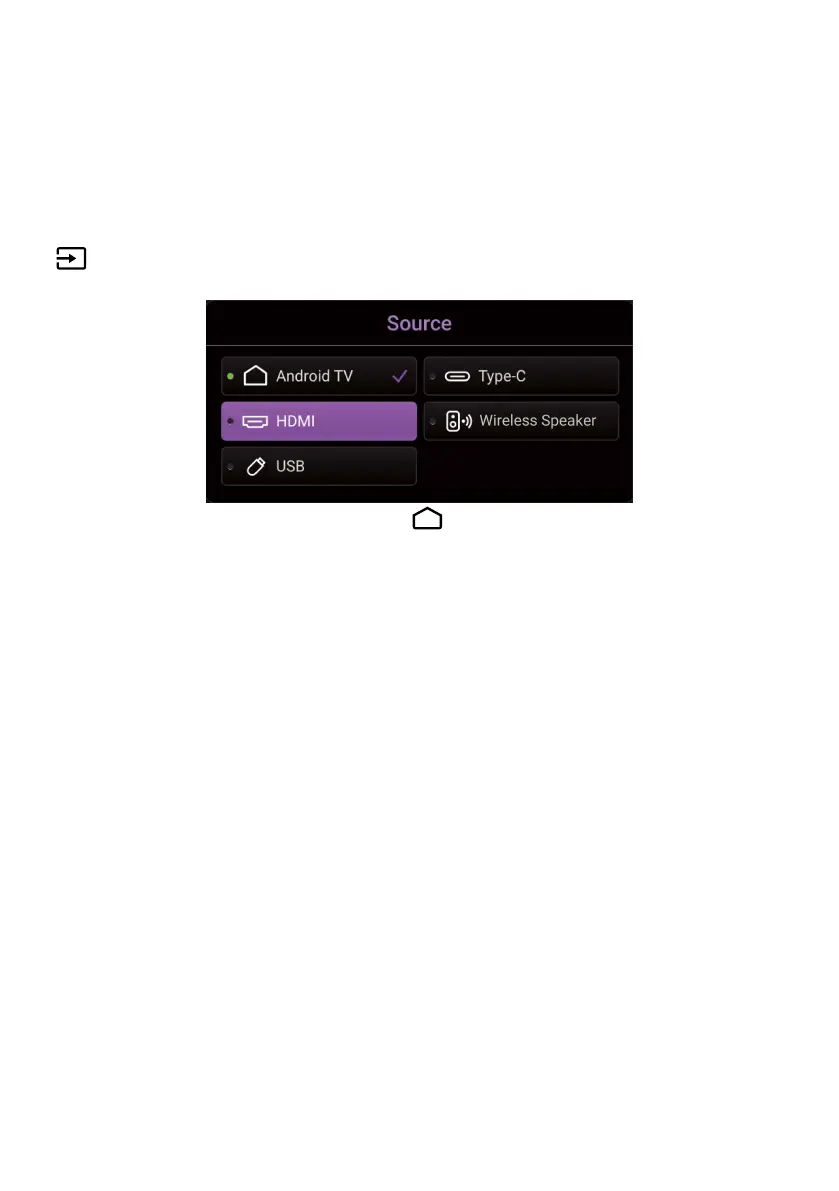
Changing the input source
By default, the projector will enter the Android TV interface after it is
powered on the first time. Once powered on, when a device is connected
to one of its input ports the projector will automatically switch over to that
input source.
To switch between input sources and Android TV, press the source button
on the remote control and select the desired input source from the
source menu.
You can also press the home button on the remote control to return to
the Android TV home screen at any time.



 To Next Page