46
Playing music by your projector
With the built-in speakers, you can enjoy music playback via the projector
without a projection screen. The projector can work as an ordinary speaker
or a wireless speaker.
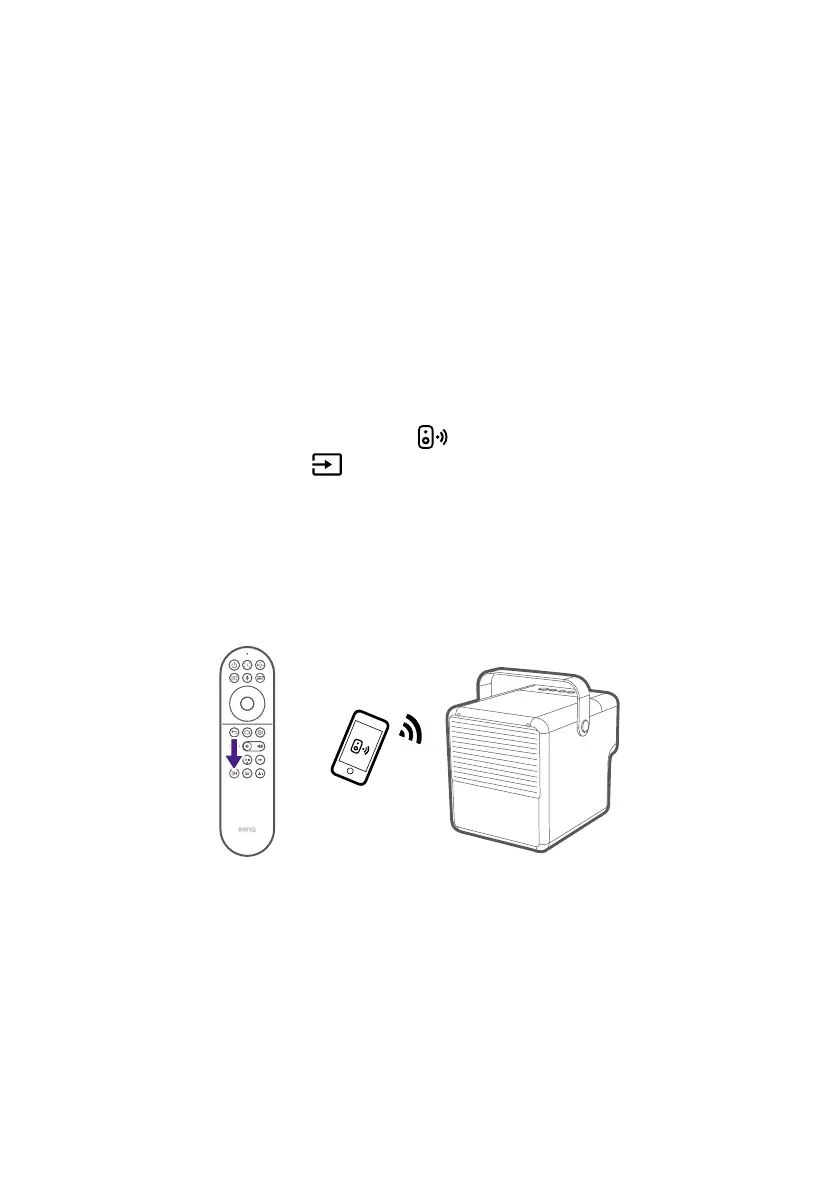
Making your projector a wireless
speaker
1. Make sure the ATV dongle is installed properly (see "Installing the ATV
dongle" on page 28).
2. Power on the projector (see "Powering on and initial setup" on page
30).
3. Press the wireless speaker mode
button on the remote control or
press the input source
button > Wireless Speaker. The projector will
stop projecting and switch over to wireless speaker mode.
4. Connect your mobile device and the projector (with QS02 ATV dongle
installed) to the same wireless network.
5. Launch the music app on your mobile device and use the casting
function through Chromecast. Find QS02 as the casting device to enjoy
music streaming.



 To Next Page