49
Playing multimedia les from a
USB ash drive
To play media files stored on a USB flash drive, you must make
connections and settings properly.
1. Make sure the ATV dongle is installed properly (see ""Installing the ATV
dongle" on page 28).
2. Connect your USB flash drive to the USB-A port on the left side of the
projector.
3. Press the source button
on the remote control and select USB in
the source menu.
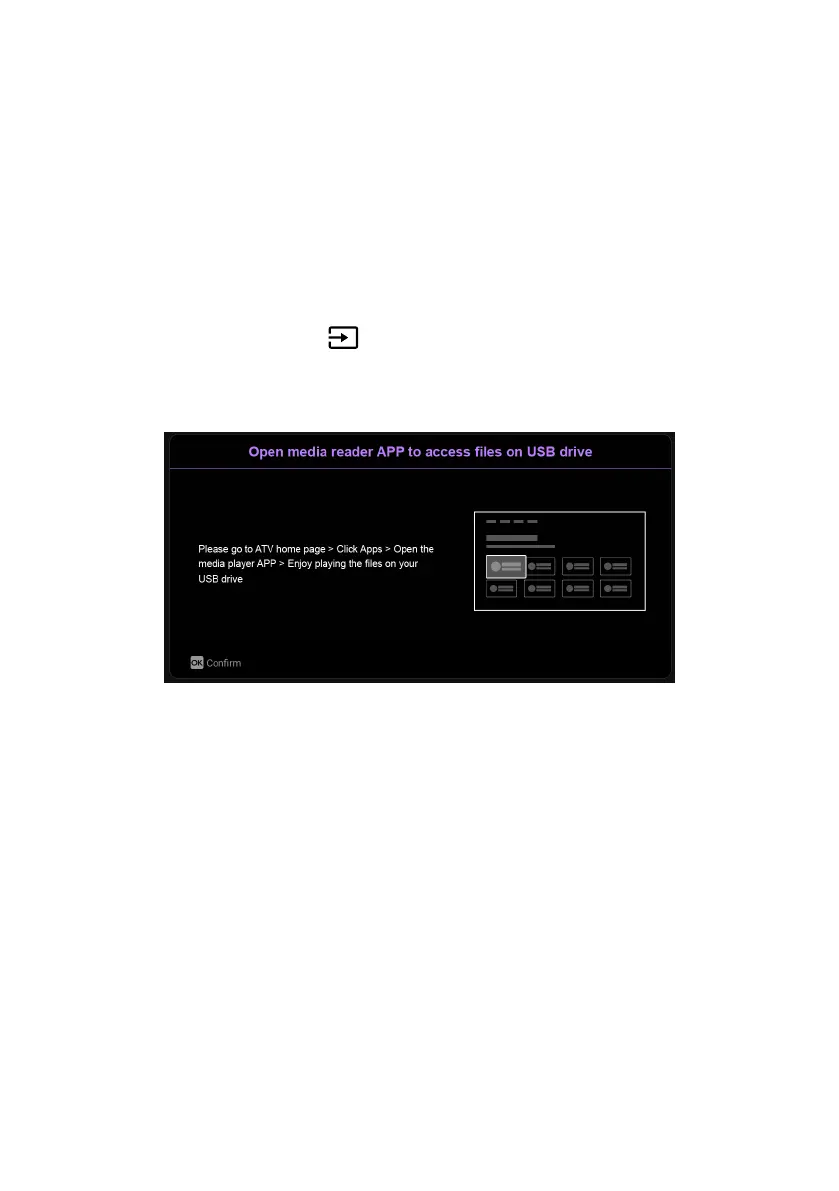
4. Follow the on-screen instructions. Click Apps from the ATV home
screen.
5. Launch a media reader app to access the multimedia files stored on
your USB flash drive. Supported file formats for playback may vary by
app.



 To Next Page