72
Appendix
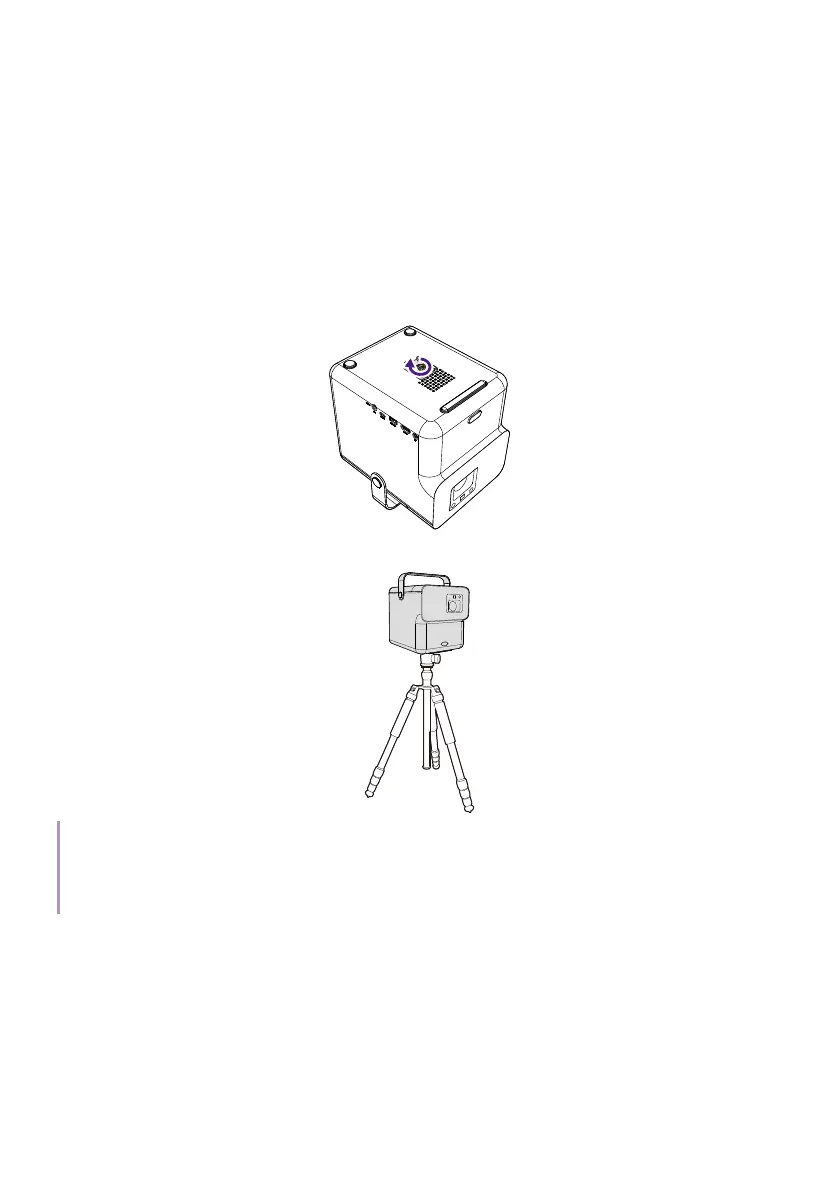
Working with a tripod (purchased
separately)
Use a tripod plate to mount the projector onto a tripod.
1. Install the tripod’s quick release plate to the projector’s tripod screw
hole and tighten the plate’s screw.
2. Install the projector onto the tripod.
Note
The tripod screw hole on the bottom of your projector is not designed for ceiling mount installation.
If you choose a ceiling location for your projector, refer to "Front Ceiling" on page 25 and "Rear
Ceiling" on page 26 for instructions.



 To Next Page