33
Shutting down the projector
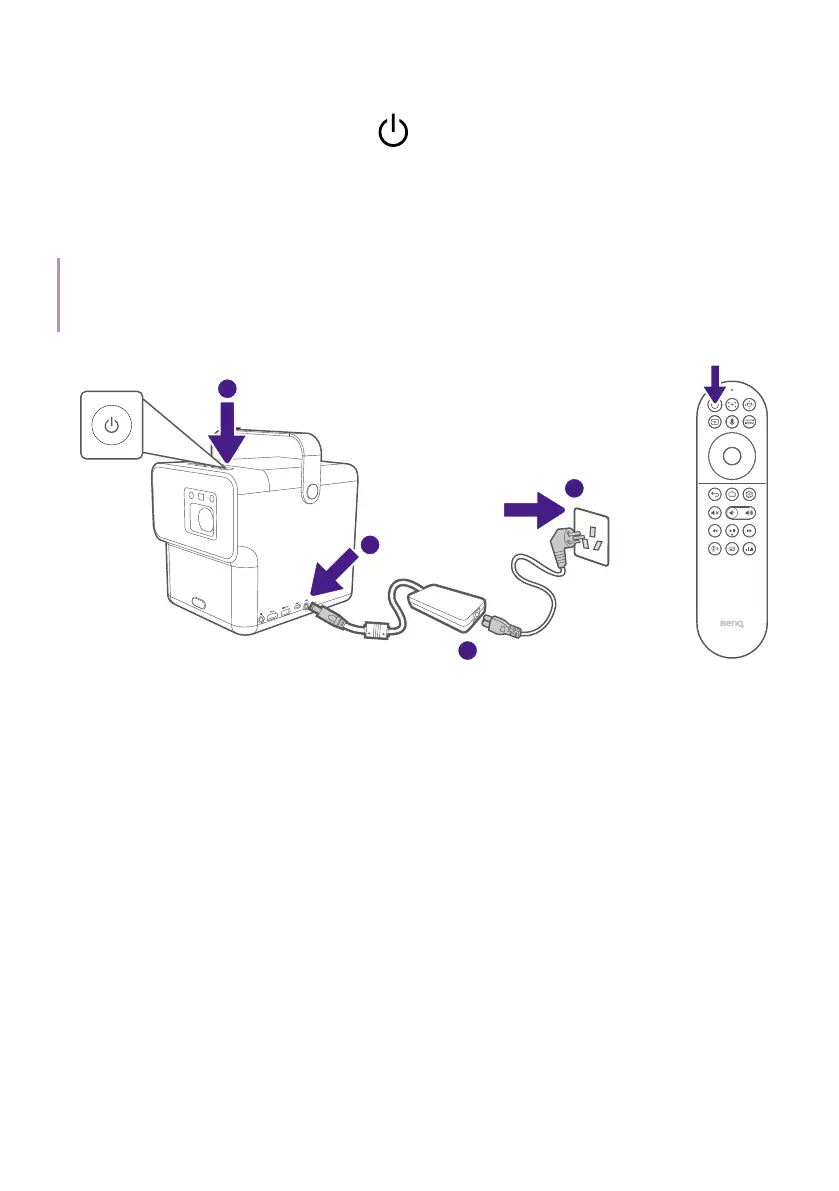
Press and hold the power button on the projector or remote control for
over 3 seconds and the projector will shut down. Wait until the LED turns
solid red. The fans may continue to run in order to cool the system. If the
projector will not be used for an extended period, unplug the power cable
from the power outlet and remove the batteries from the remote control.
Note
Short pressing the power button on the projector or remote control will trigger a shutdown
confirmation box. Under this condition, press the power button again to shut down the projector.
2
4
1
or
3 seconds
3 seconds



 To Next Page