32
Working with Eye Protection
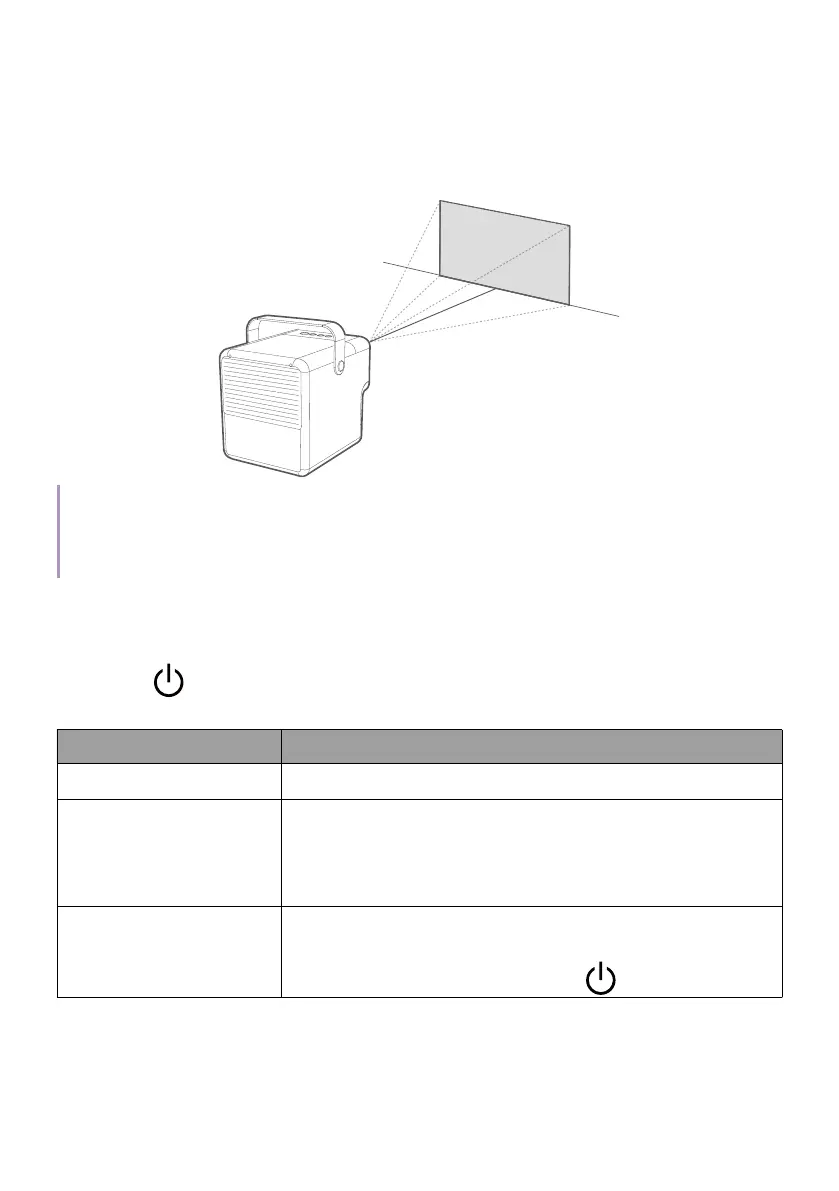
This function reduces the screen brightness when an object is within 3.2
meters in front of the projection lens. You can choose to blank the screen
if desried.
3.2m
Note
• This function is not designed for side projection and may not work properly when the projection
angle is over 20 degrees. Turn off eye protection function if desired.
• Eye protection function may be triggered for a few seconds when moving the projector.
Power menu options
Press the button on the remote control or projector to bring up the
power menu.
Item Description
Power Off Sets to power off the projector.
Audio-Only Mode
Sets to turns off the screen while the music
playback continues. See "Turning the screen off
during music playback" on page 47 for more
information.
Power Saving
Sets the projector and the ATV dongle to power
saving mode when they are not in use. To disable
Power Saving mode, press the
button.



 To Next Page